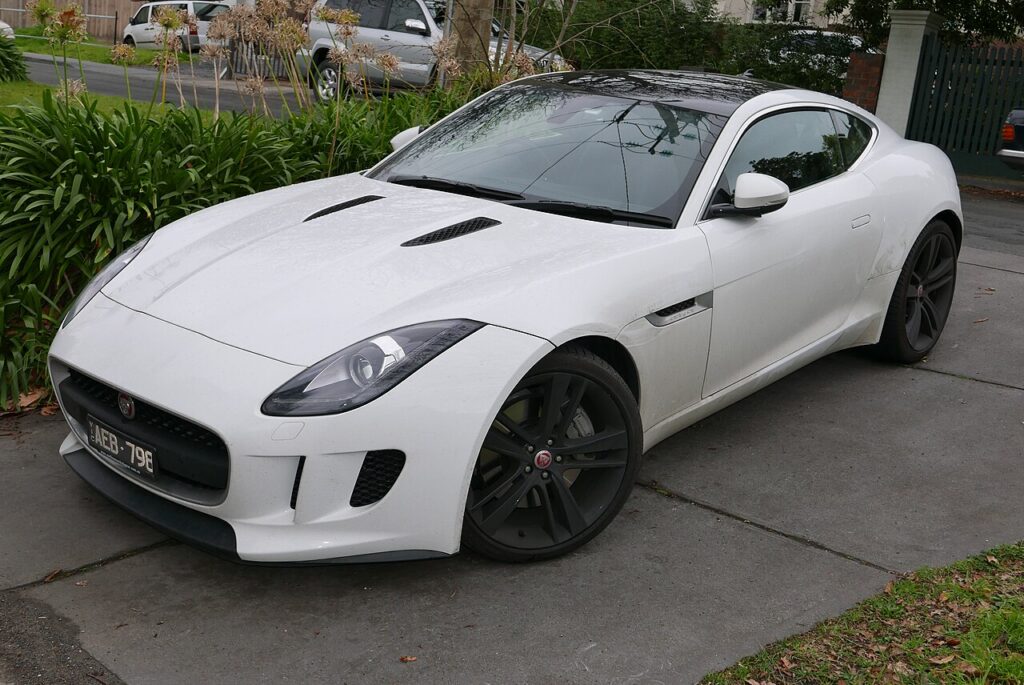
These instructions apply to the Jaguar F-Type Mk1 (X152) 2013-Present.
For other models, please choose your vehicle here.
If the tyre-pressure warning has come on in your Jaguar F-Type (2013–present) after you’ve adjusted the pressures or changed a wheel, the system is largely self-managing — set the pressures correctly and the warning clears on its own. The amber symbol is a prompt to check the tyres, not a fault, and there’s no reset button to press on this model. Here’s how it works and how to clear it.
How the System Works
The F-Type uses direct sensors in each wheel that report actual pressures. There’s no reset button — once the pressures are correct, the system recognises them and the warning light goes out (it may take a short drive to confirm). Note the F-Type often runs staggered (different front/rear) tyres, so set each axle to its own figure. Because each sensor reads its own wheel, the driver display can show the individual pressures so you can see exactly which corner is down.
First, a Few Checks
- Check the tyres cold where possible — warm tyres read high and can mask a slow leak.
- Read the front and rear figures separately from the placard in the driver’s door shut or the handbook; the axles often differ.
- On staggered fitments, don’t assume all four take the same pressure — the wider rears usually have their own figure.
- Use the driver display to see which corner is low before you top up.
- Use a reliable gauge; forecourt gauges can read a couple of psi out.
Clearing the Warning
- Check the tyres cold where possible.
- Set each tyre to the correct pressure for its position (placard in the driver’s door shut or handbook) — front and rear may differ.
- Switch the ignition on; with the pressures correct, the warning light should go out.
- If it doesn’t clear immediately, drive for a few minutes so the sensors report.
If the Warning Stays On
- Recheck every tyre against its placard figure — one below spec keeps the warning on.
- Mind the staggered sizes — don’t set the rears to the front figure.
- Look for a slow puncture — a corner that keeps dropping after each top-up points to a nail or a leaking valve.
- Allow for the cold — pressures fall about 1 psi per 5 °C, so a warm-weather setting can trip the light overnight.
- After a wheel change — new or swapped wheels need their sensors recognised; give it a short drive.
- Still lit with correct pressures? A sensor may have a flat internal battery or fault — look up the code on autodtcs.com.
Once It’s Done
With every tyre set to its own placard figure, the warning clears at the next ignition-on or within a few minutes of driving, and the display shows all four in range. If the light comes back after clearing, treat it as a genuine leak on the corner shown rather than a system quirk.
Frequently Asked Questions
How do I reset the tyre pressure warning on a Jaguar F-Type?
Set each tyre to its correct (front/rear) pressure — the system recognises them and the light goes out, possibly after a short drive. There’s no reset button. Use the driver display to confirm every corner is back in range before you set off.
Why is there no reset button?
It uses direct sensors that read actual pressures, so it clears itself once the pressures are right. The car always knows the true value at each wheel, so a manual reset isn’t needed — the system updates automatically when the readings return to spec.
Why won’t the light go out?
Usually a tyre still below spec, the wrong front/rear figure, or a sensor with a failing battery. On staggered fitments it’s easy to set the rears to the front pressure by mistake, so double-check each axle against its own placard figure and drive a few minutes.

Why do the front and rear tyres take different pressures?
Many F-Types run staggered tyres — wider on the rear axle — and the weight balance differs front to rear, so each axle has its own recommended figure. Setting them all to a single number is a common reason the warning stays on, so always use the values printed on the door-shut placard.
Can I see the actual pressures on the display?
Yes. With a sensor in each wheel, the driver information display can show the individual pressures, so you can read exactly which tyre is low instead of guessing. That makes it easy to top up just the corner that needs it and watch the value recover to spec.
Do I need a tool?
Not for a normal reset; a failed sensor needs replacing and matching at a workshop. Everyday clearing is just correct cold pressures per axle plus a short drive — there’s no menu step or handset needed on this model.
If the warning came on with other lights, decode the code on autodtcs.com.
Independent guide — not affiliated with Jaguar. Always follow your official service manual and safety precautions. Read our full disclaimer.