These instructions apply to the Renault Kadjar Mk1 (XFE) 2015-2022.
For other models, please choose your vehicle here.
After adjusting pressures, rotating wheels or fitting a spare on your Renault Kadjar (XFE, 2015–2022), you store the new values as the system’s reference. Renault calls it learning the tyre pressures — no tool required.
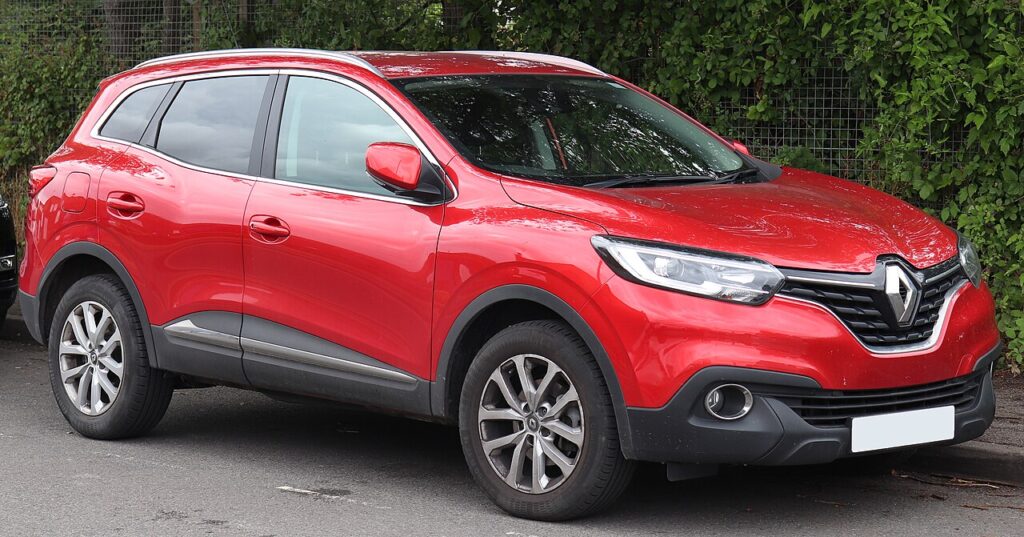
On the Kadjar the tyre-pressure warning is part of the car’s monitoring, not a mechanical fault. It is normal for it to appear after you have inflated the tyres, swapped wheels or fitted the spare, because the system is still comparing against the pressures it memorised last time. Running the learn routine tells it the new figures are correct, and the light then clears.
How It Works on This Model
The Kadjar stores whatever pressures are in the tyres when you run the learn, and treats those as the reference to watch against. It does not read an absolute target figure — so the accuracy of the warning depends entirely on you having set the tyres correctly before you store them. Get the pressures right first, then learn; store the wrong values and the system will happily monitor against the wrong baseline.
Set the Pressures First
Inflate all four tyres cold to the figures on the door-pillar / fuel-flap label. The reset only memorises whatever is in the tyres at the time, so get them right first.
- Check the tyres cold, before any long drive warms them up.
- Use the placard figure on the door-pillar or fuel-flap label, not a generic number.
- Set all four corners, including the spare if it carries a sensor.
- Switch the ignition on so the menu and controls respond.
- Have the vehicle stationary before you confirm the learn.
Learning the Pressures
- Switch the ignition on (engine off is fine).
- Open the vehicle/tyre-pressure menu and select ‘Learning tyre pressure’ (some cars use a dedicated TPMS reset button).
- Press and hold to confirm — about 3 seconds — until it acknowledges.
- Drive normally; the system relearns and the light clears.
If the Light Stays On
- Check every tyre, including the spare if it’s sensored.
- Re-run the learn after any inflation change so the baseline matches.
- A genuinely low or punctured tyre will keep the warning on — inspect before resetting.
- Cold weather drops pressure overnight; a tyre that was borderline can trip the warning by morning.
- Fitted the spare or a space-saver? Its different pressure can flag a mismatch until the road wheel is back on.
- If it returns within a day or two of a fresh learn, suspect a slow puncture and inspect the tyre.
- If the confirm step won’t acknowledge, make sure the ignition is on and the car is stationary, then try again.
What Happens Next
Once you have set the pressures and confirmed the learn, the light should clear after a short drive and stay off for good — you only need to repeat the routine the next time you change the pressures or swap a wheel. If it lights again soon afterwards despite correct pressures, take it as a real prompt to inspect the tyres rather than a fault with the system.
Frequently Asked Questions
How do I reset the tyre pressure light on a Renault Kadjar?
Set all pressures correctly while the tyres are cold, then switch the ignition on and choose ‘Learning tyre pressure’ in the menu (or hold the TPMS button). Press and hold to confirm for about three seconds until it acknowledges, then drive normally. The system relearns the new pressures as its reference and the light clears.
Do I need a tool?
No — the Kadjar relearns the pressures itself via the menu or button, so there is nothing to plug in. The only kit worth having is an accurate gauge to set the tyres correctly before you store them, because the learn simply memorises whatever pressures are in the tyres at the time.
Why did the light come on in cold weather?
Cold air drops pressure; top up to the label figure and re-learn. A tyre that was only just above the threshold on a mild day can fall below it after a cold night, which is enough to trigger the warning. Once you have reinflated to the placard figure and stored the values again, it should stay off.

It lit after swapping a wheel — normal?
Yes — run the learning routine so the new wheel becomes the reference. Any time you move the wheels around or fit a different one, the stored baseline no longer matches, so the system flags it. Set the pressures, confirm the learn, and the warning clears once the car has seen the new figures.
Where do I find the ‘Learning tyre pressure’ option?
It sits in the on-board vehicle or tyre-pressure menu, reached through the instrument display or the central screen depending on trim. Scroll to the tyre-pressure section and select the learn/reset entry. Some versions instead provide a dedicated TPMS button; if you have one, a press-and-hold does the same job as the menu option.
Is it safe to drive with the warning showing?
Treat it as a prompt to check the tyres soon rather than a reason to stop immediately. A soft tyre affects handling, braking and fuel use, and a slow leak will get worse if ignored. Check and set all four cold, run the learn, and only carry on once you are satisfied the pressures are correct.
Got a TPMS fault code rather than a low-pressure warning? Look it up on autodtcs.com. To clear a service reminder, see our Kadjar service reset.
Independent guide — not affiliated with Renault. Always follow your official service manual and safety precautions. Read our full disclaimer.