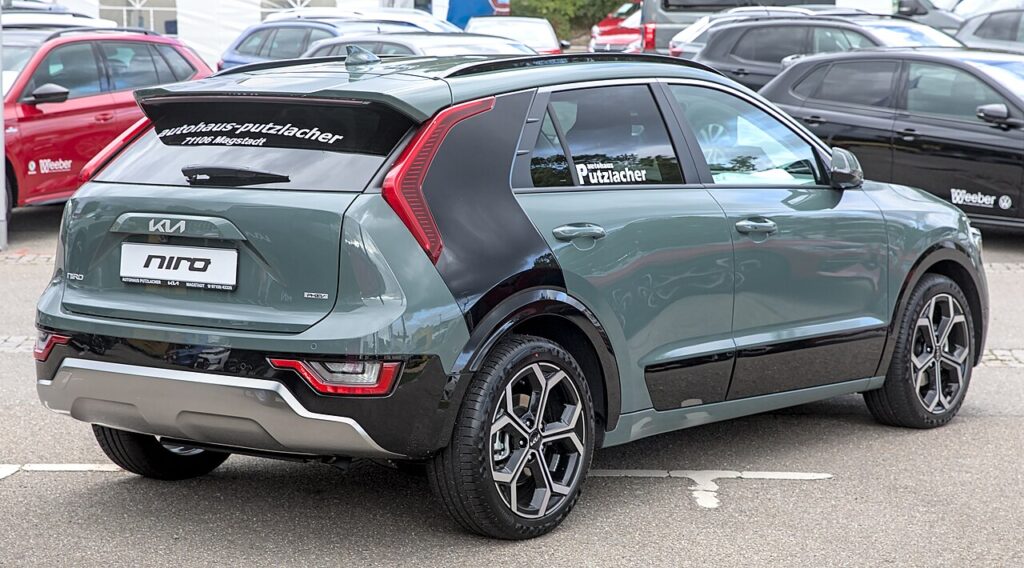
These instructions apply to the Kia Niro Mk2 (SG2) 2022-Present.
For other models, please choose your vehicle here.
When your Kia Niro Mk2 (SG2, 2022–present) refuses to shift out of P, it usually isn’t a transmission failure at all — it’s the shift-interlock doing exactly what it is designed to do. On an automatic or hybrid drivetrain the selector is held in Park by a small electric solenoid, and that solenoid only unlocks when it sees a healthy 12 V supply and a firm press on the brake. Lose the 12 V battery, or develop a fault in the interlock circuit, and the selector simply stays put. To cover that exact situation, Kia builds an emergency shift-lock release into the centre console so you can free the selector by hand and get the car moving. It is a cabin-only override: nothing under the car, nothing near the high-voltage system, and no need to raise the vehicle.
Why the Selector Locks in Park
The shift interlock is a safety feature. It stops the car being knocked out of Park unless the brake is applied, and it is powered by the 12 V system rather than the traction battery. That is why a completely flat 12 V battery — the most common trigger — leaves the selector frozen even though the rest of the car may seem lifeless. Occasionally the culprit is the interlock switch, a blown fuse, or a brake-light switch that isn’t telling the transmission the pedal is pressed. In all of those cases the mechanical override bypasses the electronics so you can free the selector manually. It does not fix the underlying cause; it just buys you the movement you need.
Getting Ready
- Park on level ground if you have any choice — the car can roll the instant the lock lets go.
- Apply the parking brake or chock the wheels before you touch the release. This is the single most important step.
- Have a small flat-blade screwdriver ready to lift the cover and press the button.
- Know where you are moving the car to before you release it, so it doesn’t drift somewhere you don’t want it.
- Keep passengers, children and pets clear until the car is secured again.
How to Release the Selector from P
- Press and hold the brake pedal.
- Turn the ignition off.
- Apply the parking brake.
- Remove the small cover next to the gear selector to reveal the access hole.
- Insert a screwdriver into the hole and press the release button; hold it and move the selector out of ‘P’.
- Remove the screwdriver and refit the cover.
If It Won’t Release
- Keep the brake pedal pressed while you press the release button — the interlock expects to see the pedal down.
- Make sure you have found the correct access hole under the cover and are pressing the button squarely, not the trim beside it.
- If the cover won’t lift, ease it up from the edge nearest you rather than forcing the middle; it is a clip-in panel.
- A completely dead 12 V battery can leave the selector heavy — a jump or boost pack on the 12 V terminals often restores enough power to shift normally without the override.
- If the selector frees but the car still won’t drive, the transmission may not have registered the shift — recheck the display shows N before towing or rolling.
What to Do Afterwards
The override only gets you mobile — enough to roll off a driveway, out of a parking bay, or onto a recovery truck. It is not a repair. If the selector wouldn’t release because the 12 V battery was flat, charge or replace the battery and the interlock should behave normally again. If it happened with a battery you know is healthy, have the shift interlock, its fuse and the brake-light switch checked, because the fault will recur. Once the car is where you want it, refit the cover fully so it doesn’t rattle.
Frequently Asked Questions
My Kia Niro is stuck in Park — how do I move it?
Press and hold the brake, turn the ignition off, apply the parking brake, then remove the small cover next to the selector. Press the release button in the access hole with a screwdriver, hold it, and slide the selector out of P. Refit the cover afterwards.
Is this safe to do myself?
Yes. It is a purely mechanical cabin override with no exposure to the high-voltage hybrid system and nothing to do under the car. The one real hazard is the car rolling once the lock releases, so always set the parking brake or chock a wheel before you begin.
Why did it lock in Park in the first place?
Almost always a flat or weak 12 V battery, which starves the shift-interlock solenoid of the power it needs to unlock. Less often it is a fault in the interlock switch, a blown fuse, or a brake-light switch that isn’t signalling the pedal press to the transmission.
Do I need a special tool?
No. A small flat-blade screwdriver is enough — you use it to lift the cover beside the selector and to press the release button in the access hole. There is no proprietary tool required for this on the Niro.
Can I drive normally after using the release?
Treat it as a get-me-moving measure, not a fix. Use it to reposition the car, then address the cause — usually the 12 V battery. If the battery is fine and the selector keeps sticking, don’t rely on the override for daily driving; have the interlock inspected first.
Will using the override harm the transmission?
No. The mechanical release simply bypasses the electric lock so the selector can move; it doesn’t touch the gearbox internals. Move the selector gently rather than yanking it, keep the brake pressed, and refit the cover when you are done.
If the selector locked because of a dead battery, see our Niro battery guide. If a warning light or stored fault code came with it, look the code up on autodtcs.com.
Independent guide — not affiliated with Kia. Always follow your official service manual and safety precautions. Read our full disclaimer.