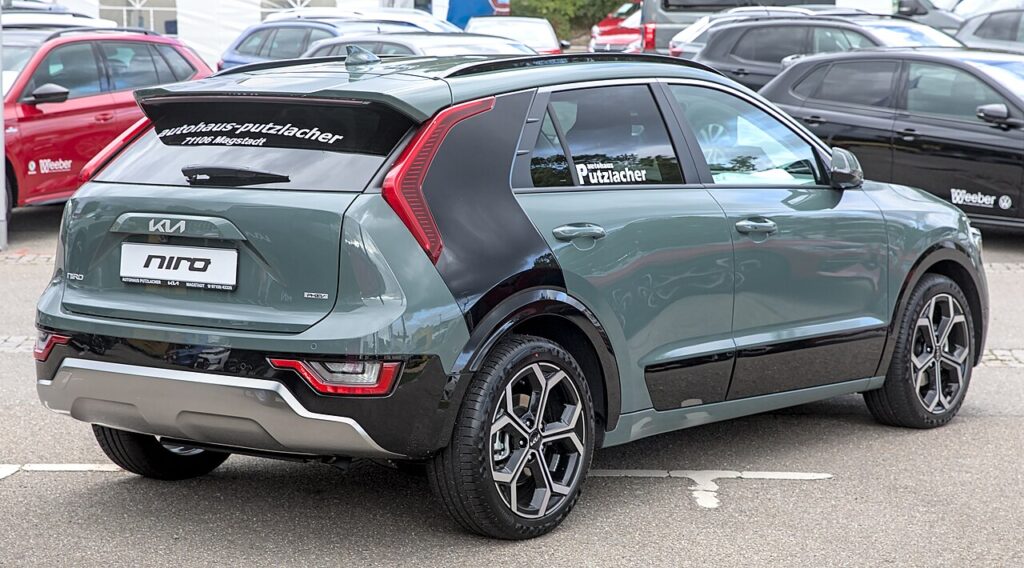
These instructions apply to the Kia Niro Mk2 (SG2) 2022-Present.
For other models, please choose your vehicle here.
If the sliding sunroof on your Kia Niro Mk2 (SG2, 2022–present) stops auto-closing, won’t tilt properly, refuses one-touch operation, or behaves oddly after the 12 V supply was disconnected or went flat, it needs re-initialising. The roof motor has simply lost its learned end positions; re-teaching them is a normal owner function, not a fault or a workshop job, and it takes under a minute using nothing more than the roof switch on the overhead console.
Why It Happens on the Niro
The Niro’s sunroof runs on an electronic control module that remembers exactly where the fully closed, tilted and fully open positions are. Those stored figures are what let the roof glide on a single touch and, crucially, auto-reverse the moment it senses something in the opening. The catch is that the memory is volatile: cut the 12 V power for any reason — a flat battery, a jump start, a battery swap, or work that involved disconnecting the terminals — and the module wakes up with no reference points. Until you re-teach it, the roof typically drops to a slow, hold-to-move “safety” mode, ignores the one-touch tap, and may stop short of a full close. Running the re-initialisation cycle simply walks the motor to each hard limit again and re-stores the values.
First, a Few Checks
- Park somewhere you can sit for a minute with the roof cycling — ideally not in heavy rain, since it will open during the process.
- Switch the ignition on, or be in READY on a hybrid/PHEV so the 12 V system is fully awake and stable.
- Make sure the 12 V battery is healthy — a weak battery can stall the cycle part-way and leave the roof un-taught.
- Check the roof track and glass channel for grit, leaves or ice, and wipe them clear so nothing snags the panel.
- Keep hands, hair and loose items out of the roof aperture for the whole sequence.
How to Re-initialise the Sunroof
- Switch the ignition on (or be in READY).
- Make sure the sunroof and sunshade are closed.
- Press and hold the close switch. The roof will tilt and move slightly — keep holding.
- The roof then cycles automatically through its full sequence (tilt → slide open → slide closed, with the sunshade).
- Keep the switch held until the cycle finishes, then release — the system is reset.
If It Doesn’t Complete
- Don’t release early. The single most common reason the reset fails is letting go before the roof has run the whole tilt-open-close sequence; hold the switch right through to the end.
- Clear any obstruction in the roof track and along the seal — a snag part-way through will abort the learn.
- Rule out the battery. If the 12 V is marginal, charge or replace it first, then try the cycle again; an under-voltage supply is a classic cause of a stalled reset.
- Let the panel finish moving between presses. If you interrupted a previous attempt, wait a few seconds so the motor is at rest before starting over.
- If it still refuses to take the reset after the battery and track are confirmed good, have the sunroof motor and its switch checked — a mechanical or wiring fault won’t be cured by re-initialising.
Once It’s Done
Once the cycle finishes and you release the switch, the roof has re-learned its limits. Give it a normal one-touch open and one-touch close to confirm the auto function is back and that the panel seats fully home with no judder. The anti-trap/auto-reverse protection is restored at the same time, so the roof should again back off if it meets resistance. If everything moves smoothly, you’re done and no warning should remain.
Frequently Asked Questions
Why did my Niro sunroof stop auto-closing?
Almost always because the 12 V battery went flat or was disconnected — during a jump start, a battery change, or electrical work. That wipes the roof module’s learned end positions, so it drops into a hold-to-move safety mode. Re-initialising re-teaches the limits and restores one-touch and auto-reverse.
How do I reset the Kia Niro sunroof?
With the ignition on and the roof and sunshade closed, press and hold the close switch. The panel tilts and moves slightly, then runs automatically through its full tilt, open and close cycle. Keep holding the switch the entire time and only release once it has finished.
Is it safe to do myself?
Yes. It’s a built-in owner procedure with no tools and no electrical or under-car work involved. The only real precaution is to keep hands, hair and objects clear of the roof opening while the panel is moving, since it runs its full travel during the learn.
Do I need a scan tool or a dealer?
No. The whole reset is done from the driver’s seat using only the sunroof switch. A workshop is only worth involving if the roof still won’t re-initialise after you’ve confirmed the battery is good and the track is clear, which points to a motor, switch or wiring fault rather than lost memory.
The roof only moves while I hold the switch — is that normal now?
That hold-to-move behaviour is exactly the symptom of lost initialisation. It’s the roof’s fallback mode when it doesn’t know its own limits. Running the re-initialisation cycle above should bring the one-touch tap-and-go operation straight back.
Do I need to re-teach anything else after a battery change?
Often, yes. The same power loss that clears the sunroof memory can also reset the electric windows’ auto-up/down and one-touch function, so it’s worth re-initialising those in the same sitting.
Re-initialised the sunroof after a battery change? Re-teach the windows too — see our Niro window guide. For any warning light that stays on afterwards, look up the code on autodtcs.com.
Independent guide — not affiliated with Kia. Always follow your official service manual and safety precautions. Read our full disclaimer.