These instructions apply to the Kia Niro Mk2 (SG2) 2022-Present.
For other models, please choose your vehicle here.
The Kia Niro (Mk2/SG2, 2022–Present) — Hybrid, Plug-in Hybrid and the Niro EV — comes with the Smart Key, proximity entry and a START/STOP button as standard. When the fob’s coin cell dies, the remote buttons and hands-free walk-up detection stop, but the second-generation Niro will still start once you press the fob directly against the button.
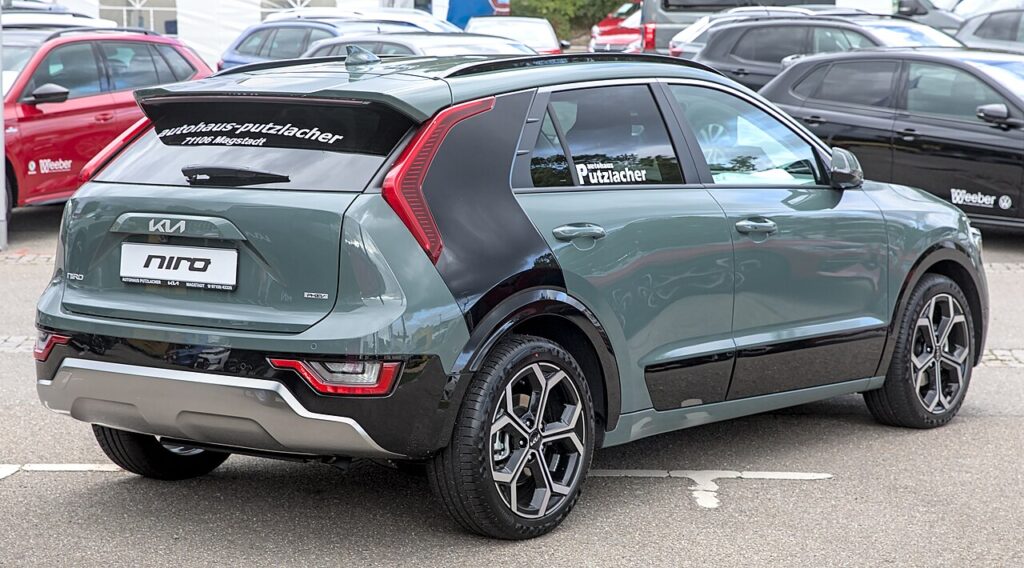
Start the Niro With a Dead Fob
If the cluster shows “Key not detected”, the fob’s radio is flat but the car can still read the key’s passive transponder at close range.
- Get inside with the emergency blade first (see below) and sit in the driver’s seat.
- Press the brake pedal firmly and hold it. The Niro reads this as the start condition whether the hybrid’s petrol engine or the EV’s drive system is coming to READY.
- Hold the Smart Key flat against the START/STOP button so the transponder sits over the reader coil behind it.
- Press the button through the fob. The coil energises the chip, the immobiliser verifies the key, and the car powers up.
Unlock the Door With the Emergency Key Blade
- Slide the catch on the back of the Smart Key and pull the metal blade straight out.
- At the driver’s door, prise off the slim cap behind the handle if one covers the lock cylinder, then insert the blade.
- Turn to unlock. The alarm may chirp; starting the car clears it.
Why a Flat Battery Doesn’t Strand You
The chip that authorises the drivetrain is a passive RFID transponder with no battery of its own. The car energises it by induction through the coil behind the START/STOP button. The coin cell only powered the remote-lock radio and the proximity broadcast for hands-free entry. A dead cell costs you remote locking and walk-up detection — not the ability to start. If your Niro also supports Kia Digital Key on a phone, that is a separate NFC system and is unaffected by the fob’s coin cell.
Replace the Coin Cell
- Pull the emergency blade out to open the seam in the fob case.
- Twist the two halves apart with a coin or plastic tool.
- The Mk2 Niro Smart Key uses one CR2032 3V lithium coin cell. Note the orientation — the plus (+) side usually faces the back cover.
- Fit the fresh cell the same way up, handling it by the edges, and clip the case shut.
Remote locking and keyless start return at once. Expect two to three years from a quality cell.
Frequently Asked Questions
Does the dead fob method work on the Niro EV? Yes. Hold the fob to the button with the brake pressed; the EV simply shows READY instead of starting an engine.
Where exactly do I hold the fob? Flat against the START/STOP button with the brake held, then press the button with the fob still touching it.
I use the phone Digital Key — does the dead fob cell affect it? No. Digital Key works over NFC from your phone and doesn’t rely on the fob’s coin cell. If the phone is also dead, fall back to the physical fob against the button.
Why did the alarm sound when I used the blade? Manual entry reads as a break-in until the transponder is verified. Starting the car cancels it.
Which battery does the Mk2 Niro fob take? A single CR2032 3V lithium coin cell, available almost anywhere.
If a warning light stayed on after the no-start, look it up on autodtcs.com to confirm it was just the fob and not a stored immobiliser fault.
Independent guide — not affiliated with Kia. Always follow your official service manual and safety precautions. Read our full disclaimer.