These instructions apply to the Volvo XC40 Mk1 (536) 2017-present.
For other models, please choose your vehicle here.
Your Volvo XC40 (536, 2017–present) shuts the engine off at a standstill to save fuel and reduce emissions in slow traffic. When you’d rather keep it running — crawling traffic, a hot day, or before any under-bonnet work — you can switch the auto stop/start off. The A-in-an-arrow symbol you see is just the system indicator, not a warning of a fault: an XC40 that cuts its engine at the lights is doing exactly what it was built to do.
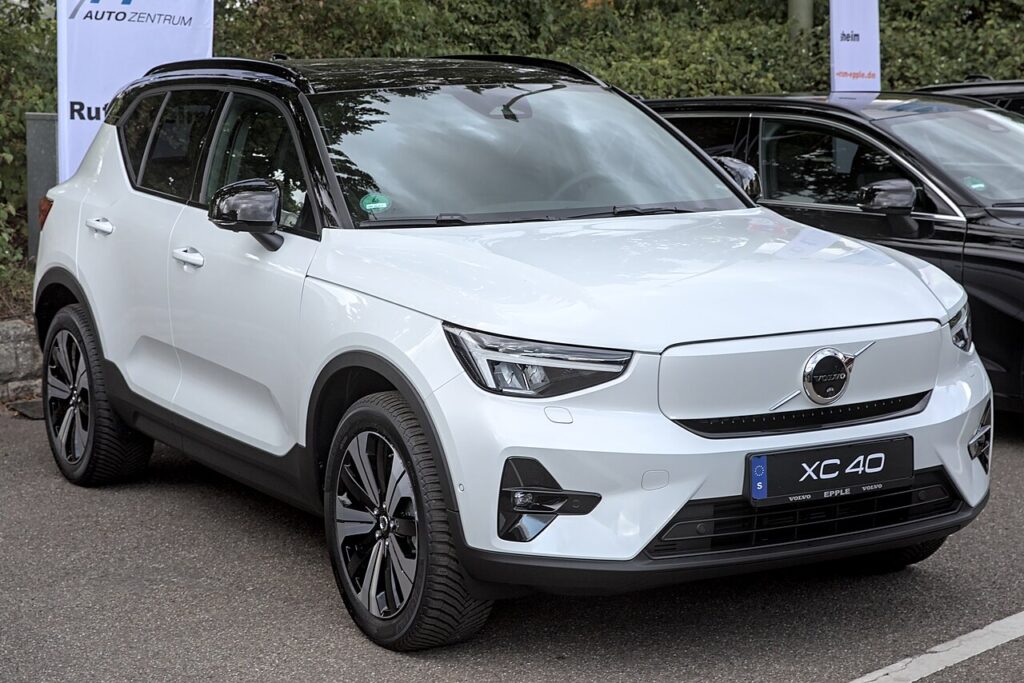
How auto stop/start works on the XC40
When you brake to a halt, a control module decides whether to switch the engine off. It only does so when the supporting conditions are right — the 12 V battery is well charged, the engine is up to temperature, and the climate system has no strong heating or cooling demand. Lift off the brake and the engine restarts instantly. Mild-hybrid XC40s use a small electric motor to make those restarts smoother and quieter, but the same inhibit logic applies, so the engine won’t always stop even when the system is switched on.
Before You Start
- You can make the change with the engine running; no need to park in any particular gear.
- Using the touchscreen setting? Wake the display before you set off so you’re not distracted on the move.
- Planning under-bonnet work? Turn the system off first so the engine can’t auto-restart.
Turning It Off
- Look for the start/stop (auto-stop) button — often marked with an A and an arrow — near the gear selector, and press it once.
- If your XC40 has no physical button, open the centre touchscreen → Settings and switch ‘Automatic engine start/stop’ off.
Why It Returns Each Drive
The XC40 re-enables auto stop/start every time you start the car. There’s no permanent off — switch it off again at the start of each drive if you prefer it disabled.
If the engine won’t stop anyway
If the system is on but the engine keeps idling at every stop, an inhibit condition is being met. This is normal behaviour rather than a fault. Common reasons on the XC40:
- Cold engine. After a cold start, stops don’t begin until the engine has reached its normal operating temperature.
- Low 12 V battery. Lots of short journeys leave the battery under-charged, so the car keeps the engine running to top it back up. This is the most common cause.
- Climate demand. On a very hot or very cold day, strong air-con or heater demand will hold the engine on to keep the cabin comfortable.
- On a gradient. Parked facing up or down a noticeable slope, the system often stays inactive so the car pulls away cleanly.
- Not fully stopped. The car must be at a complete standstill with steady brake pressure before it will consider a stop.
- Doors or belt. An open door, an unlatched bonnet, or the driver’s seat-belt undone can keep the system from activating.
What to Expect After
With auto stop/start disabled, the engine idles normally at every stop for the rest of that drive and the indicator shows the system is off. Nothing else about how the car drives changes; you’ll just use a touch more fuel in stop-go conditions. Because the setting resets at the next engine start, you’ll see the system return to its ready state next time and, if you want it off again, repeat the button press or touchscreen step.
Frequently Asked Questions
How do I turn off auto stop/start on a Volvo XC40?
Press the auto-stop button by the gear selector if your car has one, or open the centre touchscreen, go to Settings and switch ‘Automatic engine start/stop’ off. Either method disables it for the current drive, so the engine idles at stops instead of shutting down. There’s no combination to hold — it’s a single action.
Can I disable it permanently?
No — the XC40 re-arms auto stop/start every time you switch the ignition on, so there is no factory way to keep it off for good. You have to set it at the start of each drive. This is intentional, because the emissions and fuel figures the car is rated on assume the system is active.
Why didn’t the engine stop today?
Because a background condition wasn’t met. The usual reasons are a cold engine that hasn’t warmed up, a 12 V battery that’s low on charge, strong heating or cooling demand, or being parked on a slope. The system simply waits until conditions suit before it begins cutting the engine, which can vary from day to day.
Does leaving it on harm the car?
No — the starter, battery and, on mild-hybrid cars, the electric motor are all designed for constant stop-start cycling, so leaving it enabled won’t cause premature wear. The main thing to keep an eye on is battery condition, since a tired 12 V battery can make the system behave oddly or stop working altogether.
Where is the setting if there’s no button?
On XC40s without a physical auto-stop button, the control lives in the centre touchscreen under Settings, listed as ‘Automatic engine start/stop’. Toggle it off there. As with the button, the choice only lasts for the current drive and returns to its default the next time you start the car.
Is it worth turning off in traffic?
That’s down to preference. Some drivers find the repeated stopping and restarting tiresome in dense stop-go traffic and switch it off for a smoother feel. Others leave it on for the fuel saving. Neither choice affects reliability, so pick whichever suits the drive you’re about to make.
If a stop/start fault shows, it usually points to the 12 V battery — see our XC40 battery guide, or look the code up on autodtcs.com.
Independent guide — not affiliated with Volvo. Always follow your official service manual and safety precautions. Read our full disclaimer.