These instructions apply to the Mazda 2 Mk2 (DE) 2007-2014.
For other models, please choose your vehicle here.
After an oil and filter change the Mazda 2 (DE, 2007–2014) shows a spanner (wrench) reminder or a maintenance message that you clear yourself from the driver’s seat — no diagnostic tool needed. The whole job is done with the trip reset button and the ignition, and takes under a minute.
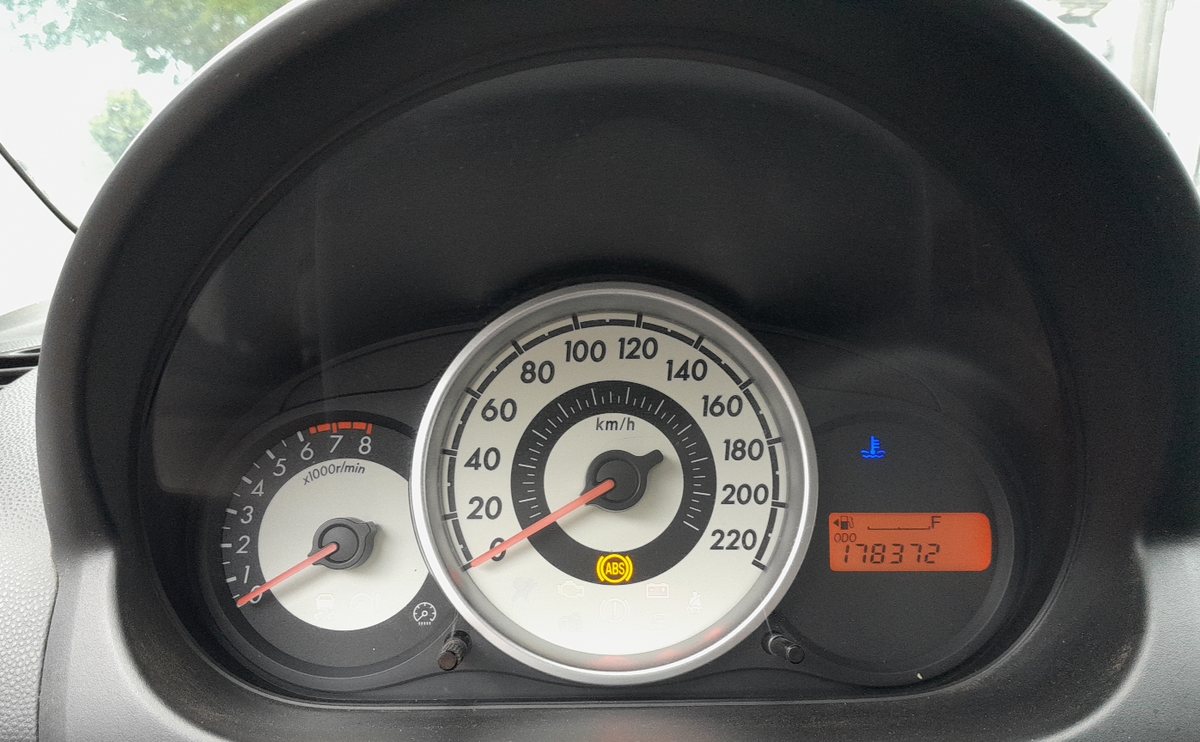
When the reminder appears
If your car is set to the flexible oil-maintenance schedule, the wrench indicator lights when there is roughly 500 km (250 miles) of oil life left, or 15 days before the due date — whichever comes first. On the fixed schedule it simply follows the service interval. Either way, reset it every time the engine oil is changed, even if the light was not yet showing, so the counter starts again from zero.
How to reset the service reminder
- Turn the ignition off.
- Press and hold the trip reset button (the knob/button on the instrument cluster that switches the trip meter).
- While still holding it, turn the ignition on — do not start the engine.
- Keep the button held for more than 5 seconds.
- The master warning light flashes for a few seconds to confirm the reset, then the wrench message clears.
- Release the button and turn the ignition off.
Check it worked
Switch the ignition back on: the spanner symbol should be gone and any “maintenance required” message cleared. If it still shows, repeat the sequence and make sure you held the button for the full five seconds before the flash.
Frequently asked questions
Which button resets the Mazda 2 service light?
The trip reset button on the instrument cluster — the same one you use to zero the trip meter. Hold it, switch the ignition on, and keep holding past five seconds.
Does resetting the light change the oil?
No. The reminder is only a counter. Always do the actual oil and filter change first, then reset so the interval is measured from the real service.
My Mazda 2 has no wrench light — do I still reset anything?
Early DE cars on a fixed interval may not show a wrench at all. If yours never displays one, there is nothing to reset; just keep to the service schedule.
The light came back on straight away—why?
Either the sequence did not complete (hold the button the full time) or, on diesel SkyActiv variants, the oil-dilution counter needs a dealer engine-control reset. On the DE’s petrol 1.3/1.5 the trip-button method is all that is required.
Changing the oil often means disconnecting the battery too — see our Mazda 2 battery disconnect guide. If a warning light stays on afterwards, look up the code on our sister site autodtcs.com.
Independent guide — not affiliated with Mazda. Always follow your official service manual and safety precautions. Read our full disclaimer.