These instructions apply to the Kia Rio Mk3 (UB/QBR) 2011-2018.
For other models, please choose your vehicle here.
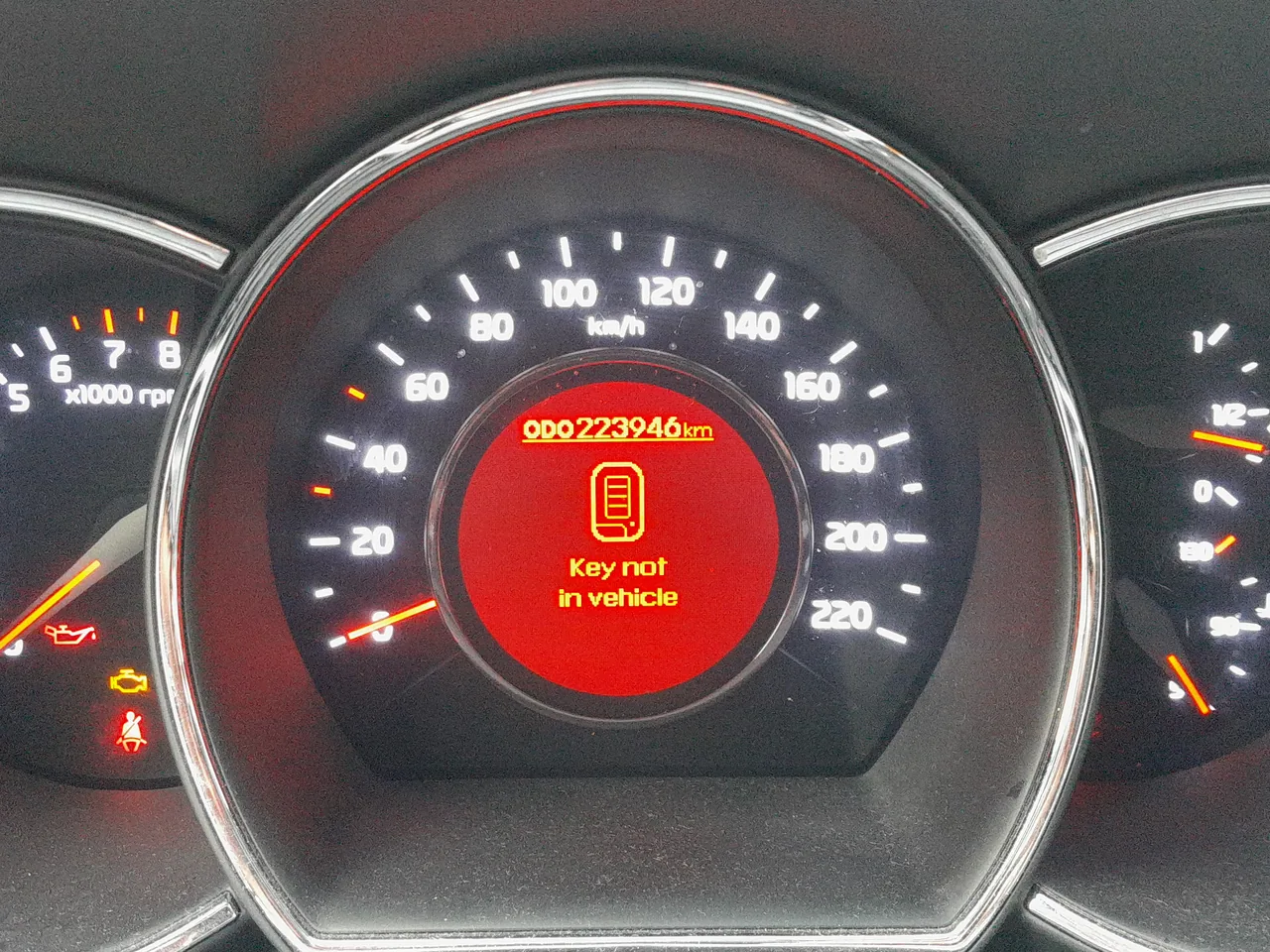
If your Kia Rio flashes “Key not in vehicle” and the Start button won’t fire, the battery in your smart key has most likely died. The good news: you can still start the car with the dead key, and it takes seconds once you know the trick.
Why the Start Button Stops Working
A smart (keyless) key talks to the car by a short-range radio signal, powered by a small coin cell inside the key. When that cell goes flat, the car can no longer “see” the key — so it shows Key not in vehicle (or a low-key-battery warning), the Start button’s indicator blinks, and a normal press does nothing.
Kia built in a backup for exactly this. The key still holds a passive transponder chip that works with no battery at all, and the Start button can read it directly if you hold the key against it.
Start the Rio With a Dead Smart Key

- If the doors won’t unlock with the handle button, slide the small mechanical key out of the smart key and unlock the driver’s door with it.
- Get in, and with an automatic press the brake pedal fully (on a manual, press the clutch). Keep it pressed.
- Hold the smart key so it physically touches the ENGINE START/STOP button — the Kia-badge face of the key against the button.
- With the key still touching the button, press the Start button. The car reads the key’s built-in transponder and starts normally.
- Once it’s running, replace the key’s coin cell soon so keyless entry and starting work as usual again.
The engine will keep running even after you take the key away — the check only happens at start. Just remember it may not restart while the key still has no signal, so sort the battery before your next stop.
Replace the Smart Key Battery
The Rio’s smart key takes a CR2032 3-volt coin cell (the slim accessory key uses a CR1632). Pop the key apart at the seam with a coin or small flat tool, swap the cell the same way up, and click it back together. After that, “Key not in vehicle” should clear and the button will work at a normal arm’s length again.
Frequently Asked Questions
Why does my Kia Rio say “Key not in vehicle”?
The car isn’t picking up the smart key’s radio signal. Nine times out of ten that’s a flat key battery; it can also happen if the key is left at home, or near strong interference. Touch the key to the Start button to start, then replace the cell.
Which battery does the Kia Rio smart key use?
A CR2032 for the standard smart key (and the remote-head key); the thinner accessory key takes a CR1632. Both are common 3 V lithium coin cells sold anywhere.
Can I still lock the car with a dead key?
Yes — use the mechanical key blade hidden inside the smart key to lock and unlock the driver’s door by hand until you’ve changed the battery.
Is it safe to drive once it’s started?
Yes. The key check only runs at startup, so the engine keeps running. Replace the key battery before you switch off, because it may not restart while the key still can’t be detected.
Procedure and battery type confirmed against the Kia Rio owner’s manual for this generation. If your key or dashboard behaves differently, let us know.
Independent guide — not affiliated with Kia. Always follow your official service manual and safety precautions. Read our full disclaimer.