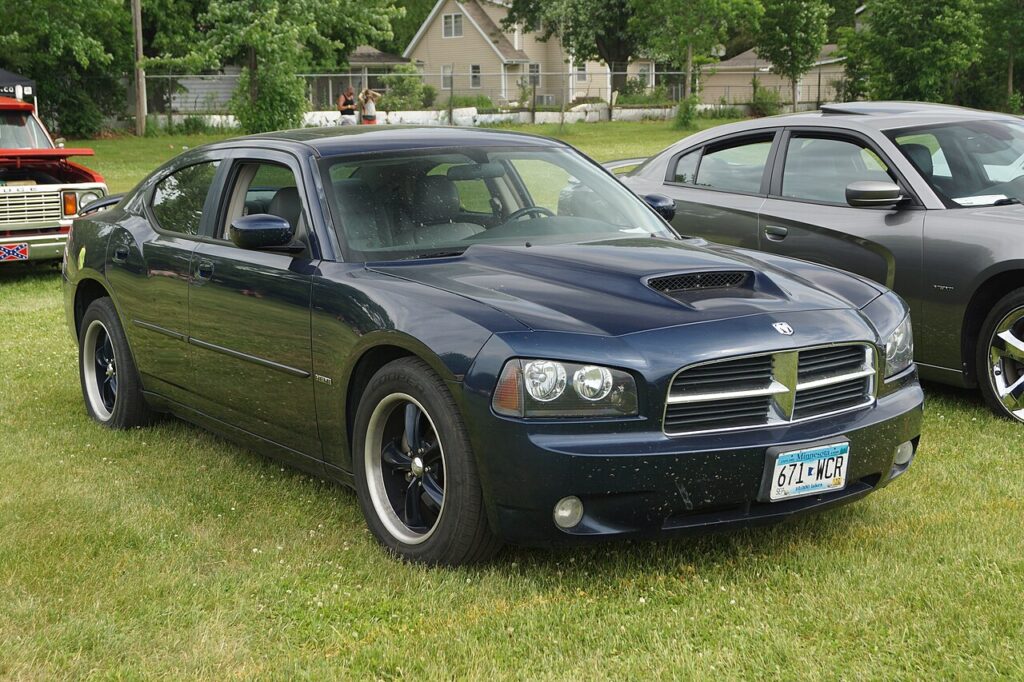
These instructions apply to the Dodge Charger Mk6 (LX) 2006-2010.
For other models, please choose your vehicle here.
The Dodge Charger LX (2006–2010) uses a closed cooling system designed to maintain stable engine temperatures in all conditions. The specified coolant is a HOAT (Hybrid Organic Acid Technology) antifreeze/coolant, dyed orange or pink depending on production year. Keeping the coolant at the proper level prevents overheating and protects the engine from internal corrosion. Checking it takes only a minute, and because you read the level through the side of the overflow tank, you can do it without ever opening a pressurised cap. This guide covers how to check the level correctly, top it up with the right mix, and spot coolant that has gone past its useful life.
Why the Right Coolant Matters
Coolant does more than stop the engine boiling in summer and freezing in winter. It also carries corrosion inhibitors that protect the water pump, radiator, heater core, and the metal passages inside the engine. The HOAT formula used in this generation of Charger is designed for exactly those components, which is why mixing it with a different chemistry can weaken that protection. A closed system like this should not lose coolant under normal use, so if the level in the overflow tank keeps dropping you are most likely looking at a small leak or a failing cap rather than normal consumption.
What You Need
- HOAT coolant (orange/pink) or an approved equivalent
- Distilled water (if mixing concentrate)
- Funnel with a small spout
- Clean rag
- Gloves and eye protection
Getting Ready
- Only check and top up when the engine is cold — a hot system is pressurised and can spray scalding fluid.
- Park on level ground so the reading in the tank is accurate.
- Have the correct coolant ready before you open anything, so the system is not left standing open.
- Wear gloves and eye protection; coolant is an irritant and is toxic if swallowed.
Locate the Coolant Reservoir
- Open the hood and locate the translucent coolant reservoir (also called the overflow tank) on the passenger side of the engine bay.
- The cap is labeled Engine Coolant.
- The tank has COLD FILL MIN and FULL marks molded into the side.

How to Check Coolant Level
- Always check coolant when the engine is cold to avoid burns.
- Look at the side of the translucent tank — the fluid should be between COLD FILL MIN and FULL.
- If the level is low, proceed to topping up.
How to Add Coolant
- Ensure the engine is cool before opening the cap.
- Slowly remove the reservoir cap to release pressure.
- Add pre-mixed 50/50 HOAT coolant and distilled water, or use a ready-mixed HOAT premix.
- Fill until the fluid reaches the FULL line.
- Reinstall the cap tightly.
If the Level Keeps Dropping
- Check the hoses, clamps, radiator, and the reservoir itself for damp spots or dried, crusty coolant stains that mark a slow leak.
- Inspect the pressure cap seal — a tired cap lets the system lose coolant and pressure even when nothing else is wrong.
- Watch the temperature gauge on the road; a level that falls together with rising temperatures needs prompt attention before overheating causes damage.
- If you top up repeatedly with no visible leak, have the system pressure-tested, as an internal leak will not show under the hood.
After Topping Up
Run the engine to normal temperature with the heater on, let it cool fully, then re-check the tank — the level often settles as trapped air works its way out and the thermostat opens. Top back up to the FULL line if needed. Keep an eye on the level over the next few drives to confirm it is holding steady, and clean up any spills, since coolant is toxic to pets and wildlife.
Maintenance Notes
- Coolant change interval: approximately every 5 years or 100,000 miles (160,000 km).
- Never mix HOAT with OAT or generic green coolant — it can reduce corrosion protection.
- If coolant is dark, rusty, or contaminated, a full flush and refill is recommended.
Safety Tips
- Never open the reservoir cap on a hot engine — scalding fluid under pressure can spray out.
- Dispose of used coolant safely — it is toxic to animals and the environment.
- Check hoses and clamps for leaks while inspecting coolant levels.
Frequently Asked Questions
What coolant does the 2006–2010 Dodge Charger use?
This generation uses a HOAT (Hybrid Organic Acid Technology) antifreeze/coolant, typically dyed orange or pink. If you buy concentrate, mix it 50/50 with distilled water; ready-mixed HOAT can go straight in. Using the correct chemistry keeps the built-in corrosion inhibitors working as intended.
Can I use any universal coolant to top up?
It is best not to. Mixing HOAT with an OAT or a generic green coolant can neutralise the corrosion protection and, in some cases, form deposits. If you only need a small emergency top-up, distilled water will do until you can drain and refill with the correct HOAT coolant. Matching the specified type is the safe long-term choice.
Why should I only check coolant when the engine is cold?
When hot, the cooling system is sealed and under pressure, and the coolant is well above boiling point. Opening the cap then can release a jet of scalding fluid and steam. Waiting until the engine is cold lets the pressure drop so you can read the tank and remove the cap safely.
How often should the coolant be changed?
As a general guide, plan on replacing it roughly every 5 years or 100,000 miles (160,000 km). Over time the inhibitors wear out even if the level looks fine, so old coolant offers less protection against corrosion. If it ever looks dark, rusty, or has floating debris, have the system flushed and refilled sooner.
My level is fine but the car runs hot — is coolant the problem?
Not necessarily. A correct level rules out simple loss, but overheating can also come from a stuck thermostat, a failing water pump, a blocked radiator, or a cooling fan that is not running. If the level holds but temperatures climb, stop before damage occurs and have the cooling system diagnosed rather than just adding more coolant.
Is a slowly dropping coolant level normal?
No. A sealed cooling system should hold its level for a long time, so a steady drop points to a leak — often a hose, clamp, the radiator, or a weak pressure cap — or occasionally an internal leak that will not show on the outside. Have it inspected or pressure-tested rather than topping up indefinitely.
Disclaimer: This guide is for general information. Always follow your vehicle’s official maintenance procedures and safety instructions. Perform repairs at your own risk. If an engine or temperature warning light is on, a stored fault code can help — our sister site autodtcs.com explains what common trouble codes mean.
Independent guide — not affiliated with Dodge. Always follow your official service manual and safety precautions. Read our full disclaimer.