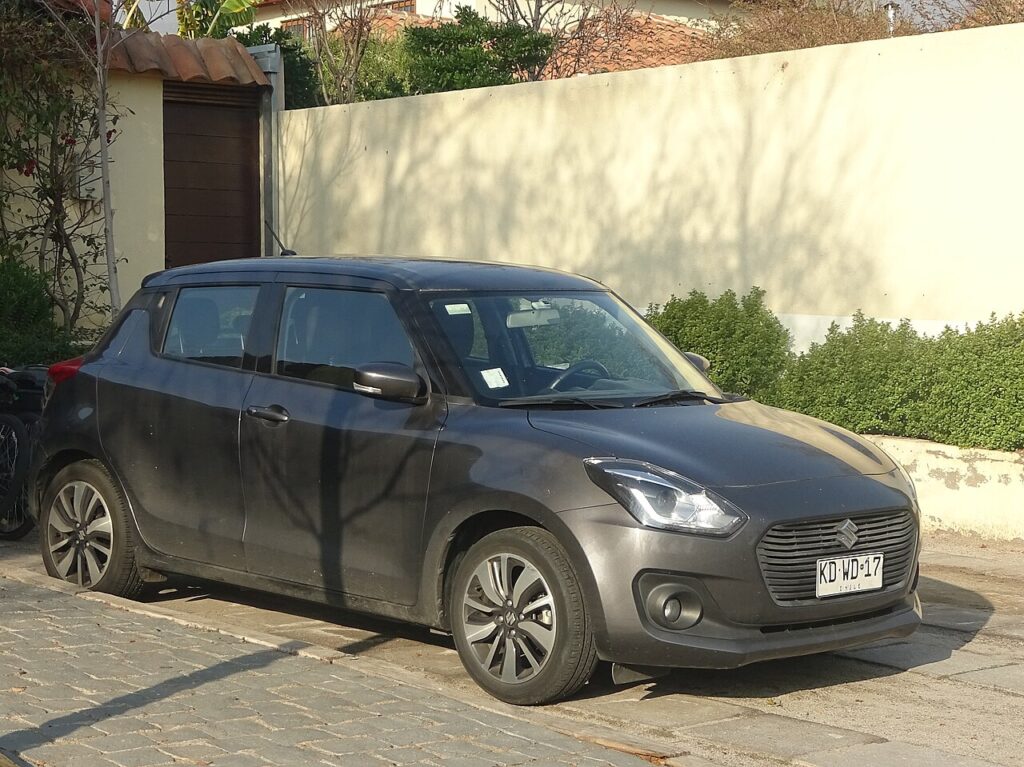
These instructions apply to the Suzuki Swift Mk4 (A2L) 2017-Present.
For other models, please choose your vehicle here.
When the oil-service light comes on in your Suzuki Swift Mk4 (A2L, 2017–present), you reset it from the instrument-cluster menu using the trip/info buttons — no garage tool needed. Always do the oil and filter change first; the reminder is just a counter.
On the fourth-generation Swift the reminder shows up as a spanner symbol or an ‘Oil change’ message in the instrument cluster. It is a maintenance reminder, not a fault warning. Nothing has failed and no trouble code has been logged; the car has simply counted up to the mileage or elapsed time it was set to flag for an oil change. Because it is only a counter, the Swift has no way of knowing the oil has actually been replaced — it keeps showing the message at every start-up until someone tells it the job is done by carrying out the reset below.
What the Oil-Service Light Means on the Swift Mk4
The Swift’s reminder is an interval counter: it tracks distance driven and time passed and lights up when the set interval is reached, whichever comes first. That is why it can appear even on a car that hasn’t covered many miles — the time element has run out. The Mk4 range includes the 1.2 Dualjet and the 1.0/1.4 Boosterjet, and on the mild-hybrid (SHVS) versions the reminder still relates to the ordinary engine oil, not the small hybrid battery, which needs no owner servicing. It is worth separating the routine oil-service message from a genuine oil-pressure warning: the pressure light (often red) signals a real problem and is not cleared by this reset.
Getting Ready
A little preparation makes the reset go cleanly first time:
- Change the oil and filter first. The reset only zeroes the counter; it does nothing to the oil itself, so do the service before clearing the reminder.
- Park safely. Level ground, handbrake on, gearbox in neutral or P.
- Ignition on, engine off. The reset is done with the ignition on and the engine not running — you’ll start the engine only at the end to check the light has gone.
- No tools. Everything happens on the cluster’s menu/info button; no scan tool is required.
How to Reset the Swift Mk4 Service Indicator
- Turn the ignition on (engine off).
- Press and hold the menu button for 3 seconds to enter the display menu.
- Scroll through the menu on the display and select ‘Oil change’; press the button.
- Select ‘Reset OC’, then press and hold the button for 6–9 seconds.
- ‘SUCCESS’ appears on the display — the reset is done.
- Turn the ignition off, start the engine and check the light has gone out.
If It Doesn’t Reset
- You didn’t hold long enough — the ‘Reset OC’ hold needs a full 6–9 seconds until ‘SUCCESS’ shows.
- Wrong menu item — make sure you selected ‘Oil change’ and then ‘Reset OC’, not just scrolled past them.
- Engine was running — do the reset with the ignition on and the engine off; if it fired up, switch off and start again.
- Cycle the ignition and repeat — turn everything off, wait a few seconds, switch the ignition back on and run through the menu again, waiting for ‘SUCCESS’.
- The light is a different warning — an oil-pressure or other symbol isn’t the service counter and points to a fault.
What Happens Next
Once ‘SUCCESS’ appears the counter is back to full and the spanner/‘Oil change’ message clears. When you switch off and restart the engine, the light should stay out. If it comes back on the next time you start the car, the ‘Reset OC’ hold didn’t complete — run the procedure again and hold the button until ‘SUCCESS’ is displayed.
How Often It Comes Up
Reset the oil-service reminder after every oil and filter change, and only then. The interval that triggers it is the distance or time Suzuki has set for this model; because the exact figures depend on your engine, market and driving conditions, follow the maintenance schedule in your owner’s handbook for the precise mileage and time rather than assuming a number. Don’t clear the reminder just to switch it off between services — that hides a prompt you want and lets the oil run past its interval.
Frequently Asked Questions
How do I reset the oil service light on a Suzuki Swift?
Ignition on, hold the menu button 3 seconds, select Oil change → Reset OC, then hold the button 6–9 seconds until ‘SUCCESS’ appears.
Do I need a diagnostic tool?
No — it’s done entirely from the dashboard buttons.
Does the engine need to run?
No — ignition on, engine off, for the reset itself.
The light came straight back — why?
The ‘Reset OC’ hold didn’t complete. Repeat and wait for ‘SUCCESS’.
Is the mild-hybrid (SHVS) Swift reset any different?
No. The oil-change reminder relates to the engine oil and uses the same ‘Oil change → Reset OC’ menu on both the standard and SHVS mild-hybrid Swift.
Where is the menu button on the Swift Mk4?
It’s the small info/display button by the instrument cluster (on or beside the wiper stalk on many cars). Hold it for about 3 seconds to open the display menu.
If a warning light appeared alongside the service message, identify it on autodtcs.com. After battery work, see our Swift Mk4 battery guide.
Independent guide — not affiliated with Suzuki. Always follow your official service manual and safety precautions. Read our full disclaimer.