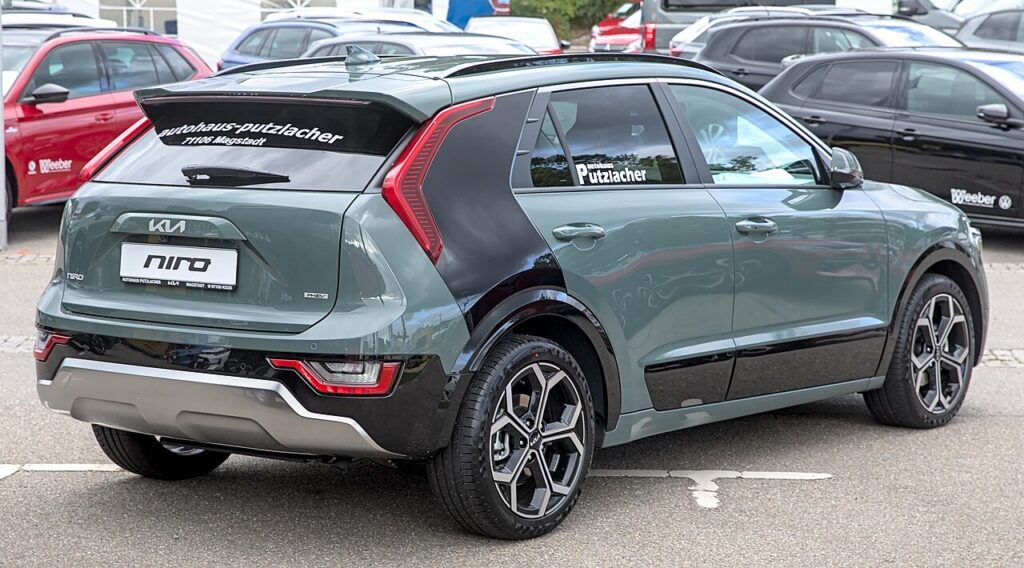
These instructions apply to the Kia Niro Mk2 (SG2) 2022-Present.
For other models, please choose your vehicle here.
When the service reminder appears on your Kia Niro Mk2 (SG2, 2022–present) — Hybrid or Plug-in Hybrid — you clear it from the instrument-cluster Settings menu using the steering-wheel buttons. No diagnostic tool is needed. Do the oil and filter change first. This is one of the simplest reset jobs on the car: everything happens through the driver display, so once the maintenance is finished you can zero the counter in under a minute without opening the bonnet or connecting anything.
What the Service Reminder Means
The message you see — usually a small spanner symbol with a ‘Service’ or ‘Service Interval’ note — is a maintenance reminder, not a fault. It simply tells you the car has reached the distance or time set for its next routine service. Nothing is broken, and the car will drive normally, but the reminder stays on the screen at every start until the counter is reset.
On the Niro Mk2 the Service Interval counter works on a straightforward basis: it tracks the distance driven and the time elapsed since the last reset and prompts you when either limit is reached, whichever comes first. Because it counts down mechanically rather than measuring the actual condition of the oil, it is important to reset it only once the service work has genuinely been carried out — otherwise the next reminder will arrive at the wrong point. If you are unsure of the exact mileage or time interval your car is set to, check the maintenance schedule in your owner’s handbook.
Before You Start
- Finish the service first. Change the oil and filter (and complete any other due items) before resetting, so the counter reflects real work.
- Park safely on level ground with the car stationary and the parking brake applied.
- Ignition on, engine off. You do not need to be in READY mode — switching the ignition on so the cluster lights up is enough.
- No tools required. The whole process is done with the steering-wheel buttons and the driver display.
Reset After the Service Only
The Service Interval counter just measures distance and time. Reset it once the work is done, or the next reminder will be wrong.
How to Reset the Niro Mk2 Service Reminder
- Turn the ignition on (no need to be in READY).
- Press the ‘MODE’ button on the steering wheel and scroll to ‘Settings’; press ‘OK’.
- Scroll to ‘Convenience’ and press ‘OK’.
- Select ‘Service Interval’, then ‘Reset’, and press ‘OK’.
The menu wording can vary slightly by model year and software version, so if you don’t see ‘Convenience’ look for a similarly named group inside ‘Settings’ that contains ‘Service Interval’. The key confirming action is always selecting ‘Reset’ and pressing ‘OK’.
If It Doesn’t Reset
- You didn’t confirm — step through Service Interval → Reset → OK. The counter only clears after you press OK on the ‘Reset’ option, not just by viewing it.
- Wrong menu item — make sure you are on the Service Interval entry and not the trip computer or another display within Settings.
- Ignition dropped out — if the cluster went to sleep mid-way, switch the ignition on again and start the menu from the top.
- A different warning is lit — that’s a fault, not the service counter, and it won’t clear from this menu.
What to Expect After Resetting
Once you confirm the reset, the spanner/service message disappears and the Service Interval counter returns to its full value, ready to count down again to the next service. You should not see the reminder at the next start-up. If it reappears immediately, the reset was not confirmed — run through the menu again and make sure you press ‘OK’ on ‘Reset’.
How Often to Reset It
Reset the Service Interval every time the car is serviced — once per scheduled maintenance visit, straight after the work is done. The car will then prompt you again when it reaches the next distance or time limit. Follow the service schedule in your owner’s handbook for the exact mileage and time figures that apply to your Niro and how you use it, as these can differ between markets and driving conditions.
Frequently Asked Questions
How do I reset the service light on a Kia Niro?
Ignition on, then Mode → Settings → Convenience → Service Interval → Reset on the cluster, and press OK to confirm.
Do I need a diagnostic tool?
No — it’s done entirely from the dashboard menu with the steering-wheel buttons.
Does it need to be in READY mode?
No — ignition-on so the cluster is awake is enough for the reset. You do not need to start the hybrid system.
The reminder came back — why?
The reset wasn’t confirmed. Repeat the menu and make sure you press OK on the ‘Reset’ option.
Is the service light the same as a fault warning?
No. The service reminder is a routine maintenance prompt. A separate coloured warning light indicates a fault and needs looking into separately.
Will resetting it harm anything if I haven’t serviced the car?
It won’t damage the car, but it will leave the counter showing a full interval while the oil and filter are actually overdue — so only reset after the service is genuinely done.
If a warning light appeared with the service message, look it up on autodtcs.com. After battery work, see our Niro Mk2 battery guide.
Independent guide — not affiliated with Kia. Always follow your official service manual and safety precautions. Read our full disclaimer.