These instructions apply to the Lancia Ypsilon Mk3 (846) 2011-2024.
For other models, please choose your vehicle here.
If the one-touch (auto up/down) function on your Lancia Ypsilon (846, 2011–2024) has stopped working — usually after a battery disconnection or a flat battery — the windows just need re-initialising. It’s a quick job with no tools.
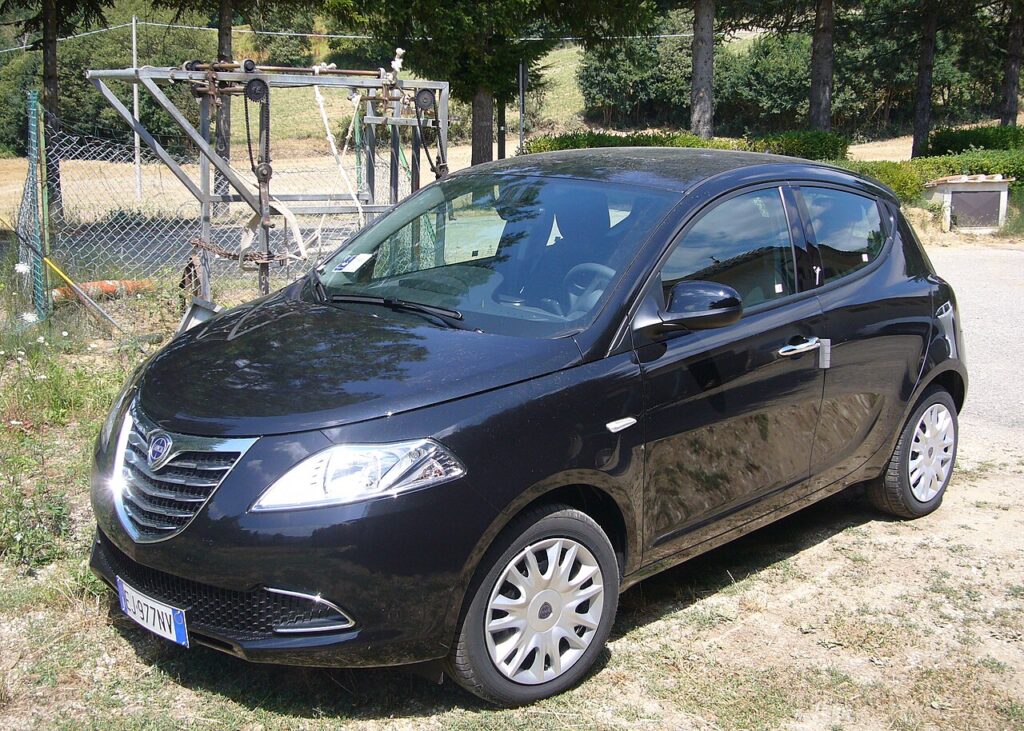
The Ypsilon’s front windows (and, on higher trims, the rears too) have a one-touch feature: a quick tap of the switch runs the glass all the way up or down on its own, and an anti-pinch sensor reverses the window if it meets an obstruction on the way up. That behaviour is completely normal, and losing it after battery work is normal too — it isn’t a fault in the motor or the switch.
How It Works on This Model
Each door has its own window module that remembers where the glass sits when fully closed and fully open. It uses those learned end-points to know when to stop the motor and to judge how much resistance counts as “something is trapped.” When the 12 V battery is disconnected or goes flat, that stored calibration is wiped, so the module drops back to a safe manual mode — the glass only moves while you hold the switch, and auto and anti-pinch stay disabled until you teach it the travel again.
Getting Ready
- Turn the ignition on (engine can be off) so the windows are powered.
- Close all the doors — the module calibrates best with the door shut and the glass seated properly.
- Clear the glass path — no arms, phone cradles or ice in the channel.
- Do one window at a time, using that door’s own switch.
- Reconnect the battery fully first if you’ve just done battery work, so voltage is stable.
When You Need This
- After disconnecting or replacing the 12 V battery.
- If a window only moves while you hold the switch and won’t auto-close or auto-open.
Re-initialising Each Window
- Close all the doors.
- Press and hold the close switch until the window is fully closed, then keep holding for 3 seconds, and release.
- Press and hold the open switch until the window is fully open, then keep holding for 3 seconds, and release.
- Repeat for each remaining window.
One-touch should now work again on every initialised window.
If It Won’t Stay Set
- Do both directions fully — hold for the full 3 seconds at each end so the module registers both limits.
- Let the glass reach the true stop; releasing early leaves the calibration incomplete.
- Re-seat the battery connections if you’ve just done battery work — a marginal earth or terminal can drop out mid-relearn.
- Check the window fuse if one window has no power at all; a blown fuse stops the relearn before it starts.
- Try again if the battery was very flat — a weak 12 V supply can interrupt the learn part-way; charge it and repeat.
- Clean or free a sticky channel — a dragging window can trip the anti-pinch reverse and refuse to hold auto-up.
- A motor or switch fault can store a code — look it up on autodtcs.com.
What Happens Next
Once a window is re-initialised, a single tap runs it fully up or down again and the anti-pinch protection is active. The setting is stored permanently — you won’t have to repeat it unless the battery is disconnected or goes flat again. If you did all four windows, each should now respond to one-touch independently.
Frequently Asked Questions
Why did my Ypsilon windows stop auto-closing?
Disconnecting or flattening the 12 V battery wipes the stored open and closed positions each window module relies on. Without them it falls back to hold-to-move manual mode. Re-initialising each window by holding it fully closed then fully open teaches the module its travel again and brings one-touch back.
Do I need a tool?
No. The whole procedure is done with the window switches alone — there is no diagnostic device, menu or fuse-pull involved. Ignition on, hold the glass to each end for a few seconds, and the door’s own module relearns its limits.
Do I have to do all the windows?
Yes, if more than one lost the function. Each window is calibrated separately by its own module, so re-initialising the driver’s door doesn’t fix the others. Work around the car one window at a time using each door’s switch until all of them auto-run again.
What does ‘hold for 3 seconds’ do?
Holding at each end stop tells the module exactly where the glass reaches full travel. That reference is what restores one-touch and lets the anti-pinch feature judge resistance correctly. Releasing before the three seconds are up can leave the learn incomplete, so the window stays in manual mode.
Is the anti-pinch protection off until I do this?
Effectively yes. While the window is in the fallback manual mode after a battery reset, it only moves as long as you hold the switch, so the automatic obstruction-reverse isn’t operating in its normal one-touch form. Completing the relearn restores both the auto travel and the anti-pinch reverse together.
My window reverses just before it shuts — why?
That is the anti-pinch sensor reacting to friction, usually a dirty or dry glass channel, or an incomplete calibration. Clean the runs, make sure nothing is in the aperture, and repeat the hold-at-each-end procedure. If it keeps reversing on a clean, free-moving window, have the motor or switch checked.
If you’ve just reconnected the battery, see our Ypsilon battery guide. A stored window-module fault can be decoded on autodtcs.com.
Independent guide — not affiliated with Lancia. Always follow your official service manual and safety precautions. Read our full disclaimer.