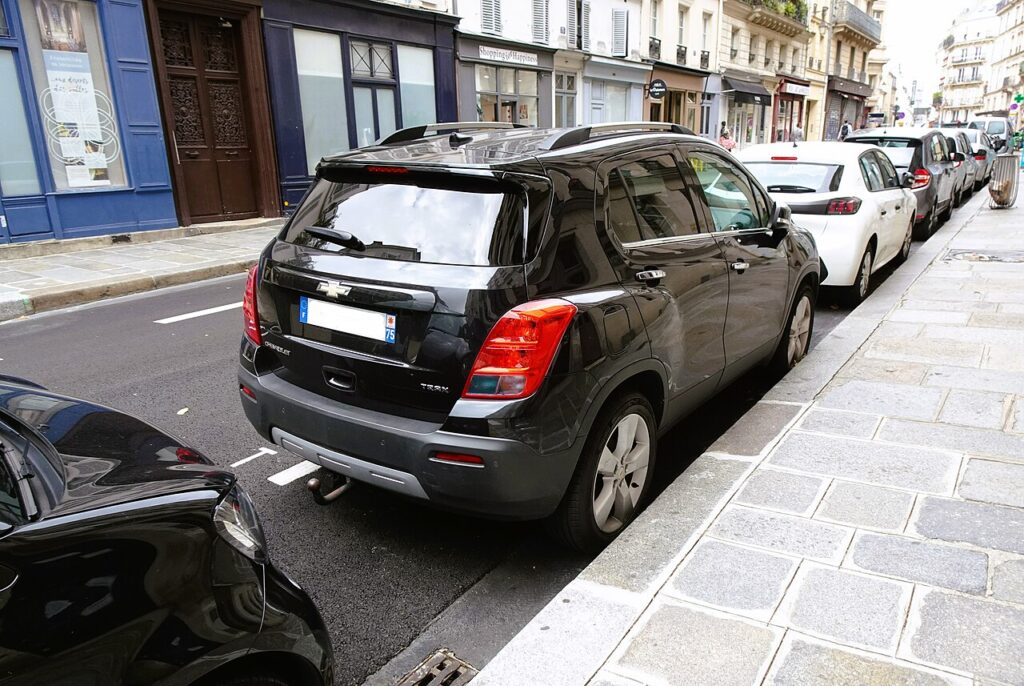
These instructions apply to the Chevrolet Trax Mk1 2013-2016.
For other models, please choose your vehicle here.
If the one-touch (auto up/down) function on your Chevrolet Trax (2013–2016) has stopped working — usually after a battery disconnection or a flat battery — the windows just need re-initialising. It’s a quick job with no tools.
The auto up/down feature lets you send a Trax window fully open or fully closed with one tap of the switch, and it works alongside the anti-pinch safety that reverses the glass if something is in the way. Both rely on the window motor knowing exactly where its top and bottom stops are. When that memory is lost the window still moves, but only while you hold the switch — and the one-touch tap and auto-reverse stop working until you re-teach the limits.
How it works on this Trax
Each door’s window module tracks the motor as it runs so it always knows the fully-open and fully-closed positions. Interrupting the 12 V supply — a flat battery, a jump start, or disconnecting the battery to work on the car — clears those stored positions. That is why the symptom nearly always appears straight after battery work rather than out of nowhere. Re-initialising simply drives the glass to each hard stop so the module can record the travel again.
Before You Begin
- Close the door and sit inside so the window runs squarely in its channel.
- Switch the ignition on (or run the engine) so the windows have full power for the relearn.
- Keep the glass path and the door opening clear of hands, fingers and any obstruction.
- Make sure the 12 V battery is charged — a weak battery is the usual reason a relearn won’t take.
- Do the windows one at a time and finish each one before moving on.
When You Need This
- After disconnecting or replacing the 12 V battery.
- If a window only moves while you hold the switch and won’t auto-close or auto-open.
Re-initialising Each Window
- Close the door.
- Raise the window fully with the switch and keep holding for about 2 seconds after it stops.
- Lower the window fully and keep holding for about 2 seconds after it stops.
- Raise it fully again — one-touch should now work. Repeat for each window.
If it won’t stay set
- Hold at each limit for the full couple of seconds — letting go early is the most common reason the module never records the stop.
- Run the whole sequence again. A second clean pass fixes most windows that didn’t take the first time.
- Re-seat the battery connections if you’ve just done battery work, and make sure the terminals are tight.
- Check for a binding window. A dry or dirty run channel adds drag the motor can mistake for the end stop — clean and lubricate it, then relearn.
- Confirm the battery is healthy. Low voltage during the relearn will stop it sticking; charge or test it first.
- A motor or switch fault can store a code — look it up on autodtcs.com.
What to expect after
Once the relearn is done, a single tap should send the window all the way up or down on its own, and the anti-pinch reverse is active again. The Trax stores the calibration until the next time the 12 V supply is cut, so it won’t drift back on its own. There’s no dashboard light for this — the windows working normally is your confirmation.
Frequently Asked Questions
Why did my Trax windows stop auto-closing?
Disconnecting or flattening the battery wipes each window’s stored travel limits, so one-touch and anti-pinch switch off for safety. The glass still moves while you hold the switch, but you need to re-initialise each window to bring the auto function back.
Do I need a tool?
No — it’s done with the window switches alone. There are no menus, buttons or diagnostic equipment involved; you just drive each window to its stops and hold briefly so the module can relearn the travel.
Do I have to do all the windows?
Yes — each window is calibrated separately and has its own module, so a battery disconnection affects them all. Repeat the same short sequence at every powered window, front and rear, until each one does one-touch again.
What does holding at the limit do?
It teaches the module the full travel. Keeping the switch held for a couple of seconds after the glass stops confirms the true fully-open and fully-closed positions, which is what restores one-touch operation and the anti-pinch reverse.
The window reverses before it shuts — what’s wrong?
That’s the anti-pinch reacting to resistance. A dirty or dry run channel, stiff cold seals, or a slightly misaligned glass can add enough drag to trigger it. Clean and lubricate the channel, then re-run the relearn so the correct closed position is stored.
Could a flat battery be the underlying cause?
Often, yes. A weak 12 V battery both triggers the memory loss and stops the relearn from sticking. If the windows keep dropping their calibration or the sequence won’t hold, have the battery tested and charged before trying again.
If you’ve just reconnected the battery, see our Trax battery guide.
Independent guide — not affiliated with Chevrolet. Always follow your official service manual and safety precautions. Read our full disclaimer.