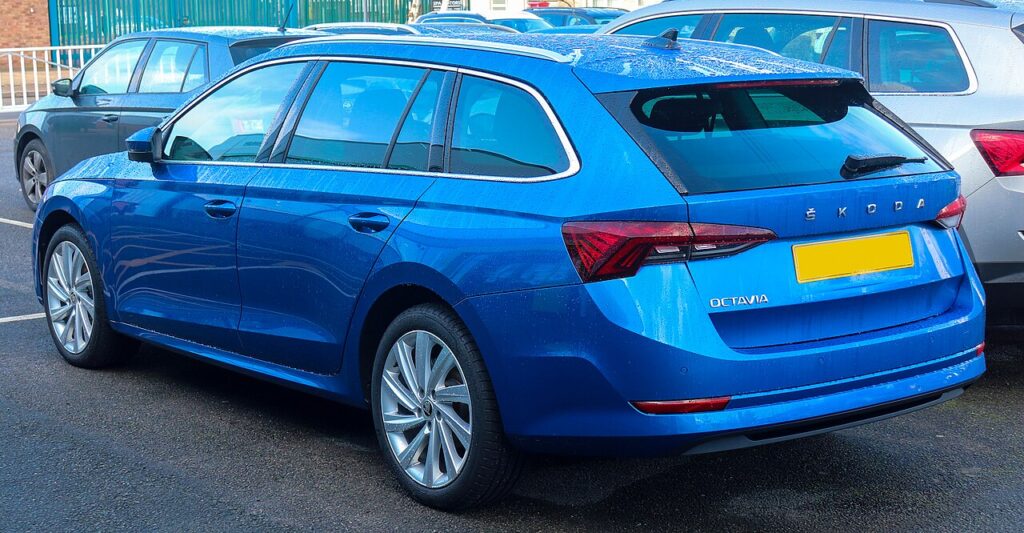
These instructions apply to the Skoda Octavia Mk4 (NX) 2020-Present.
For other models, please choose your vehicle here.
If the touchscreen in your Škoda Octavia (Mk4, NX, 2020–Present) has frozen, gone black, or stopped reacting to taps, you can force a reboot yourself in under a minute — no tools, no garage.
Which system is in your Octavia NX
The fourth-generation Octavia moved to the VW Group MIB3 generation, badged on Škoda’s side as MOI3. Depending on trim you have Bolero, Amundsen, or the top Columbus unit on the free-standing 10-inch glass screen. Most NX dashes replaced the old rotary volume knob with a touch-sensitive slider and mute/power pad below the display, so the reboot gesture is slightly different from older Škodas. A black screen, a frozen map, or a unit stuck on the ŠKODA logo is almost always a software lock-up, not a hardware fault.
Soft reset (reboot) the screen
Do this parked, ignition on, so the unit stays powered.
- Find the power/mute area below the display — on touch dashes it is the leftmost pad of the slider strip; on Bolero units it may still be a small rotary knob.
- Press and hold it — on the touch pad, keep your finger pressed for about 10 seconds.
- Wait for the screen to go black; the ŠKODA logo then appears.
- Release and wait 30–60 seconds for the home screen to reload. Touch and audio should return.
Safe — no data loss
The reboot is the equivalent of restarting a phone. It does not erase radio presets, navigation favourites, paired phones, driver profiles, or any settings. The unit simply reloads its software, so you can do it as often as you need.
If it stays frozen
- Hold longer. If 10 seconds did nothing, try again and keep the power pad pressed for up to 20–30 seconds.
- Let it sleep. Switch the ignition off, lock the car with the key, and walk away for about five minutes so the electronics power down; then unlock and restart.
- Check for a software update. Early NX MIB3 builds had documented freeze and reboot bugs; Amundsen and Columbus take updates over the air, while Bolero updates via USB from Škoda’s update portal.
- Pull the fuse (last resort). If nothing else works, removing the infotainment fuse for about 10 seconds force-cuts power. Check the fuse chart in your handbook first.
Factory reset (erases data)
A factory reset is separate from the reboot and only worth doing if you are selling the car or chasing a deep, persistent glitch. On the NX it lives under Menu → Settings → System → Factory settings. It erases presets, paired phones, profiles, and saved destinations, so only do it deliberately.
Frequently Asked Questions
How do I reboot the NX if there is no volume knob?
On the touch-slider dash, press and hold the power/mute pad at the left end of the strip below the screen for about 10 seconds until the ŠKODA logo appears. Bolero cars that kept a rotary knob use the knob-hold instead.
Will I lose my saved radio stations?
No. The reboot keeps presets, navigation favourites, profiles, and paired phones. Only a deliberate factory reset from the menu clears them.
My NX screen keeps freezing — is it the hardware?
Usually not. Early MIB3 software was prone to freezes that updates have since fixed. Make sure your unit is on the latest firmware before suspecting the screen itself.
Is it safe to drive with the screen frozen?
Yes. The infotainment unit is independent of the engine and driving systems — you only lose audio, Bluetooth, and navigation. Reboot when you are safely parked.
Does this work on the Octavia iV plug-in hybrid?
Yes. The iV uses the same MIB3 head unit, so the power-pad (or knob) hold reboots it the same way.
If a warning light or fault message stays on the dash after the reboot, the car may have stored a diagnostic trouble code — you can look it up on autodtcs.com.
Independent guide — not affiliated with Skoda. Always follow your official service manual and safety precautions. Read our full disclaimer.