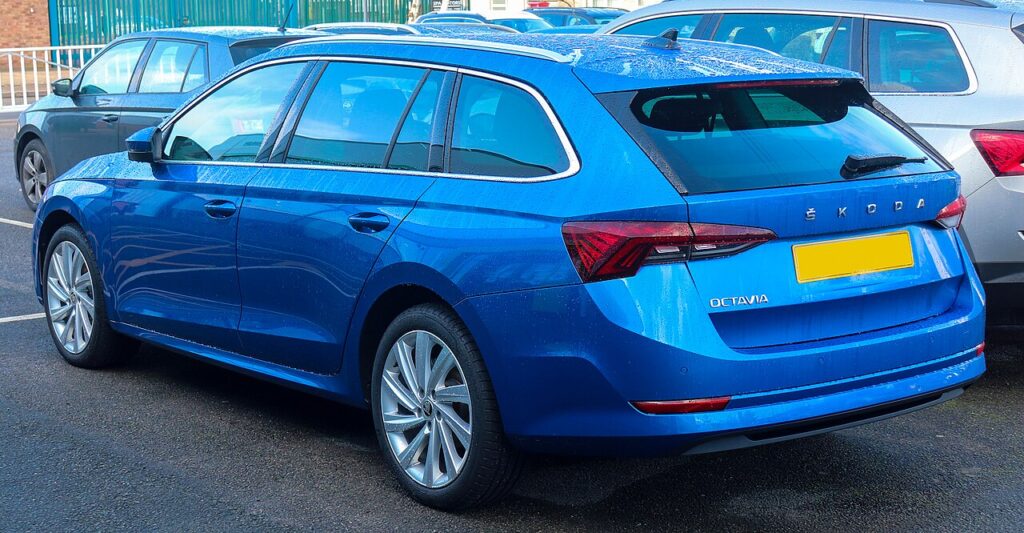
These instructions apply to the Skoda Octavia Mk4 (NX) 2020-Present.
For other models, please choose your vehicle here.
If the one-touch (auto up/down) windows on your Skoda Octavia Mk4 (NX, 2020–present) have stopped working — or now only move while you hold the switch, usually after a battery disconnection or a flat battery — each window needs re-initialising so it relearns its closed position. It’s a quick no-tools job, and the loss of auto is a normal side-effect of the power interruption rather than a fault with the motor or switch.
Why One-Touch Stops Working
Each window motor on the Octavia stores its top (closed) position electronically, so the auto function and the anti-trap (pinch protection) know where the glass reaches the seal. When power is cut — a jump start, a replacement battery, or a terminal left off during other work — that stored limit is wiped. The window then falls back to a “manual only” mode where it inches up or down only while your finger is on the switch. Re-initialising re-teaches the motor its end stop, and normal operation returns.
How It Works on This Model
The Octavia Mk4 driver’s door carries a bank of switches with one-touch on all four windows on most trims. Because the anti-trap system reverses the glass if it senses an obstruction, it needs a known closed position to compare against; without it the window may refuse to auto-close or bounce back down. The relearn is done per window, from that window’s own switch, in a few seconds each.
First, a Few Checks
- Switch the ignition on (engine can be off) so the window motors are powered.
- Make sure the door is closed and you can reach each switch comfortably.
- Check the glass runs freely — clear any ice, leaves or grit from the rubber channels first.
- Have a few minutes to repeat the routine for every window that lost its auto function.
How to Re-initialise the Octavia Mk4 Windows
- Turn the ignition on.
- Work on one window at a time from its own switch.
- Pull the close switch up and hold until the window is fully closed, then release.
- Pull the close switch again and hold for about 1 second with the window already closed.
- Release and test the one-touch function — a single tap up or down should now run the window automatically. Repeat for each window that lost it.
If It Still Won’t Auto-Close
- Repeat the procedure — the brief hold after the glass reaches the top is what registers the limit, and it’s easy to release a fraction too early.
- Make sure the glass reaches the very top — grit or ice in the runner can stop it short so the motor never sees its true end stop.
- Check the fuse for that door if a window is completely dead rather than just missing auto.
- If a window still bounces back after two or three clean attempts, a tired regulator, motor or switch may be at fault and is worth a closer look.
- After a battery disconnection this close-and-hold routine is the step needed to restore the windows.
Once It’s Done
Once the limit is relearned, a single tap runs the window fully up or down on its own, and the anti-trap protection is active again. The setting is stored permanently and won’t need repeating unless the battery is disconnected again. It’s worth testing all four windows so none are left in the manual-only state.
Frequently Asked Questions
Why did my Octavia windows lose auto after the battery was off?
Disconnecting the battery removes the power that keeps each motor’s stored closed position alive. With that reference gone, the car disables the auto and anti-trap features as a precaution, so the glass moves only while you hold the switch. Re-teaching each window restores everything — nothing is broken.
The window only moves while I hold the switch — same fault?
Yes. That is the “normalisation lost” state the car falls into when the stored limit is cleared; it is not a switch or motor failure. Running the close-and-hold routine on that window re-teaches the top position and the single-tap auto function returns.
The window bounces back down when closing — why?
The anti-trap protection has no learned limit to compare against, so it treats the close as an obstruction and reverses the glass. Complete the re-initialisation and the motor learns where the seal is again. Also clear any grit or ice from the channel that could add resistance.
Do I need any tools or a diagnostic scanner?
No. This is a manual relearn done entirely from the door switches with the ignition on — no scan tool, no trim removal and no workshop visit. The whole job takes a couple of minutes for all four windows.
Do I have to relearn all four windows?
Only the windows that lost their auto function need re-teaching, but a battery disconnection usually affects them all. It is quickest to run the routine on each window in turn so none is left stuck in manual-only mode.
Will this fix a window that is completely dead?
No — the relearn only restores auto on a window that still moves while held. If a window does nothing at all, check the relevant fuse and the switch first, as that points to an electrical or mechanical fault rather than a lost limit.
To clear a service reminder after maintenance, see our Octavia Mk4 service reset guide. For warning lights, look up the code on autodtcs.com.
Independent guide — not affiliated with Skoda. Always follow your official service manual and safety precautions. Read our full disclaimer.