These instructions apply to the Dodge Charger Mk6 (LX) 2006-2010.
For other models, please choose your vehicle here.
The Dodge Charger (LX, 2006–2010) first-generation sedan is a turn-key car: it uses a transponder-equipped cut key (a remote-head key on most builds) that you insert into the ignition barrel and twist. There is no push-button start on these years, so a dead key-fob battery is far less dramatic than on a modern keyless car — the engine still starts as normal.
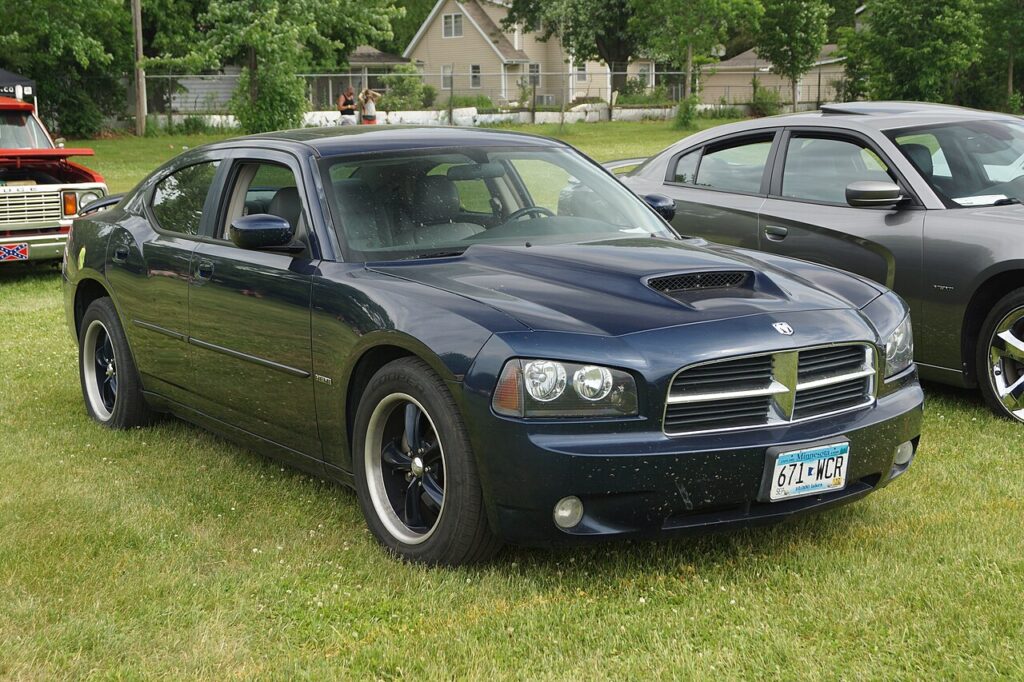
Dead Fob Battery? The Charger Still Starts
The coin cell inside the Charger’s remote-head key only powers the lock, unlock and trunk buttons. Starting the engine runs through the Sentry Key Immobiliser, which reads the passive transponder chip moulded into the key — and that chip needs no battery.
- If the remote buttons are dead, unlock the door manually with the cut key blade (see below).
- Insert the key fully into the ignition barrel on the steering column.
- Turn it to start as you always do. The immobiliser reads the chip and the engine cranks and starts normally.
So a flat key battery on the LX Charger leaves you able to drive away — you only lose the remote-lock buttons until you fit a fresh cell.
Unlock the Door With the Key Blade
When the remote stops working, use the metal blade — on most Chargers it is the same key you put in the ignition.
- Take the cut key (or, on a separate-blade fob, slide the latch and pull the emergency key out).
- Insert it into the driver’s door lock cylinder and turn to unlock.
- If the alarm chirps, turning the key in the ignition to start clears it.
Why the Immobiliser Doesn’t Need the Fob Battery
The Sentry Key system uses an antenna ring around the ignition barrel to energise the passive transponder chip in the key head. The chip then sends its code so the engine-control module allows the engine to run. Because the chip is powered by the antenna field, a completely flat coin cell never blocks starting — it only kills the radio that drives the remote-lock buttons.
Replace the Coin Cell
Restore the remote buttons with a new battery.
- Prise the remote-head key case apart at the seam with a small flat screwdriver, or split it where marked.
- Most 2006–2010 Charger keys use a CR2032 3V lithium coin cell.
- Lift out the old cell and fit the new one the same way up (positive usually faces the cover).
- Clip the case shut and test the lock/unlock buttons beside the car.
Frequently Asked Questions
Does the 2006–2010 Charger have push-button start? No. These first-generation LX cars are all turn-key. Push-button Keyless Enter-N-Go arrived on the later, second-generation Charger.
My Charger key turns but the engine stalls and the security light flashes. That points to an immobiliser fault — a faulty transponder or a key not programmed to the car — not a flat fob battery. The coin cell does not affect starting.
Which battery does the Charger key take? A CR2032 3V lithium coin cell on most builds. Confirm against the old cell before buying.
The remote buttons stopped but the car starts fine — what’s wrong? Nothing serious. That is exactly how a dead key-fob battery shows up on a turn-key Charger. Fit a fresh CR2032 to bring the buttons back.
Can I start the Charger with a key that has no chip? No. A plain mechanical blade will turn the door lock and the ignition, but the immobiliser will not let the engine run without a programmed transponder. The key must be matched to the car.
If a warning light stayed on after you got going, you can look up the exact fault code on our sister site autodtcs.com to see whether it relates to the immobiliser or something unrelated.
Independent guide — not affiliated with Dodge. Always follow your official service manual and safety precautions. Read our full disclaimer.