These instructions apply to the Dodge Charger Mk6 (LX) 2006-2010.
For other models, please choose your vehicle here.
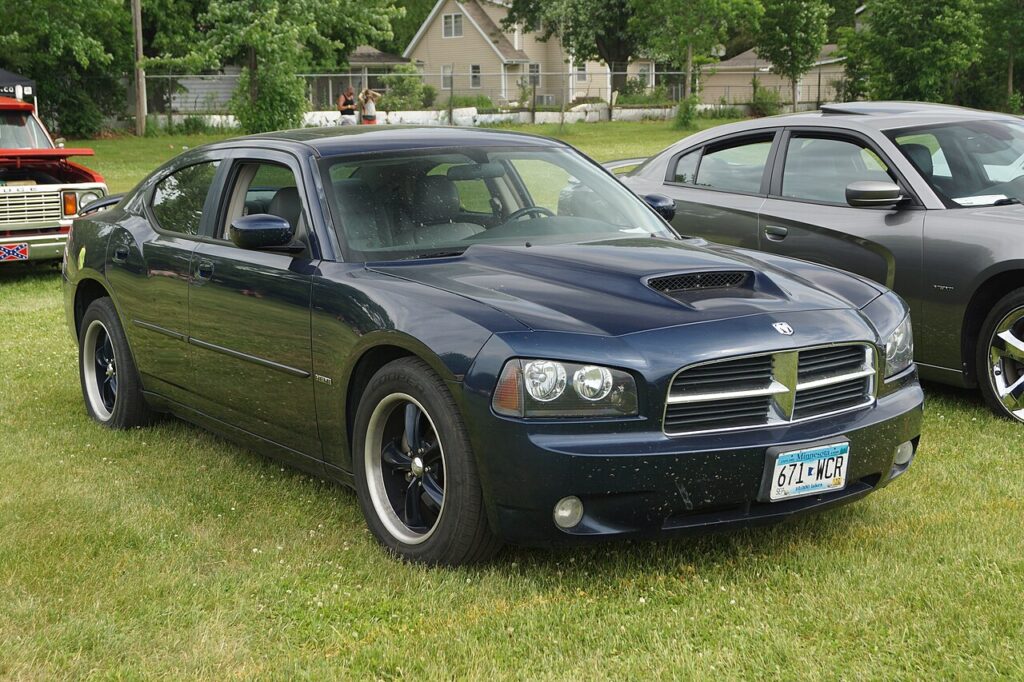
The Dodge Charger LX (2006–2010) is equipped with an OBD II system that monitors engine and emissions components. When the system detects a fault, it turns on the Malfunction Indicator Lamp (MIL), also known as the Check Engine Light. This guide explains how to read codes, understand readiness monitors, and reset the light safely.
Why the Check Engine Light Comes On
- Loose or missing gas cap (most common)
- Misfires from spark plugs, ignition coils, or injectors
- Faulty oxygen sensors or catalytic converter issues
- Vacuum leaks or faulty EVAP components
- Transmission-related faults (NAG1 adaptive shift logic)
How to Read Codes Without a Scanner
- Turn the ignition ON (engine off).
- Press the odometer/trip button and cycle the ignition key ON → OFF → ON → OFF → ON (within 5 seconds).
- Look at the odometer display — it will show stored fault codes (e.g., “P0301” for a cylinder 1 misfire).
- Note down the codes for further diagnosis.

How to Reset the Check Engine Light
- Fix the underlying issue first (e.g., tighten gas cap, replace sensor).
- Disconnect the negative battery cable for 15 minutes to clear codes or use a basic OBD II scanner.
- Reconnect the battery and drive normally — if the fault is fixed, the light should stay off.
Readiness Monitors
After clearing codes or disconnecting the battery, the Charger’s OBD II system runs a set of self-tests called readiness monitors. These include:
- Catalyst efficiency
- Oxygen sensor operation
- EVAP system leaks
- EGR or variable valve timing (depending on engine)
The vehicle must complete a drive cycle (combination of idling, city, and highway driving) before it will pass emissions inspection.
Troubleshooting Tips
- If the light flashes while driving → severe misfire. Stop and repair immediately to avoid catalytic converter damage.
- If the light stays on steadily → non-urgent fault, but should be checked soon.
- Always use a reliable scanner or professional service if unsure — some codes (like transmission or ABS faults) require advanced tools.
Maintenance Notes
- Check the gas cap first — a loose or cracked cap is a common cause.
- Use high-quality fuel and change spark plugs at the recommended interval.
- Keep the battery in good condition — low voltage can trigger false codes.
Independent guide — not affiliated with Dodge. Always follow your official service manual and safety precautions. Read our full disclaimer.