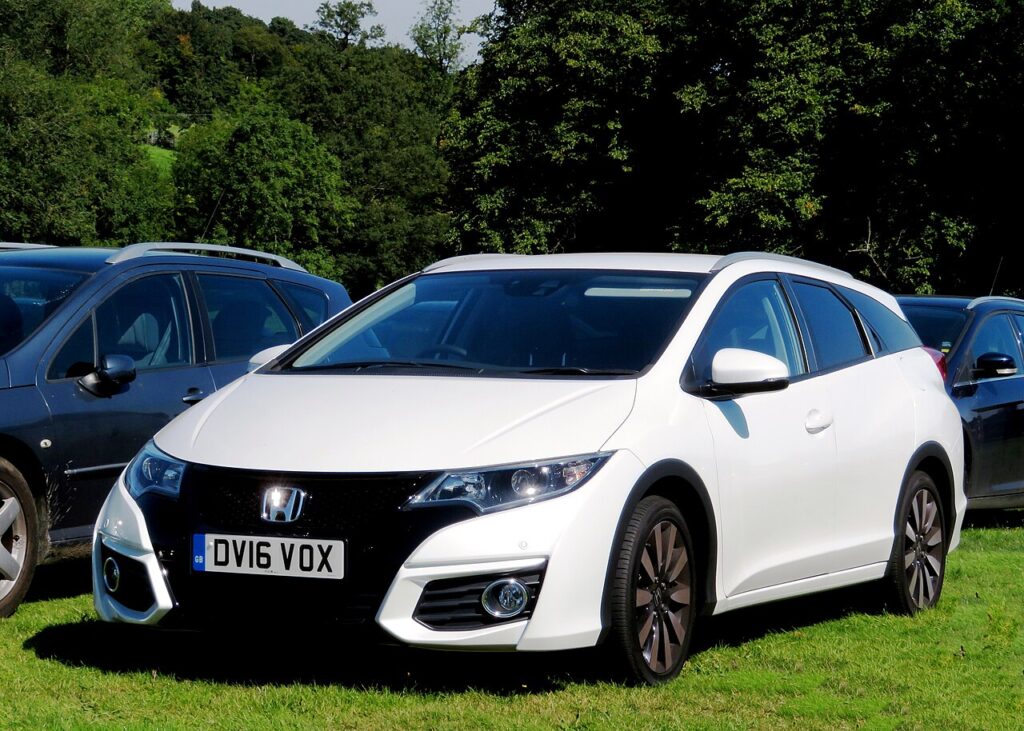
These instructions apply to the Honda Civic Mk10 (FK) 2016-2021.
For other models, please choose your vehicle here.
If the remote on your Honda Civic Mk10 (FK, 2016–2021) is getting weak — short range, fussy keyless entry, or a “key battery low” message — the coin cell needs renewing. The Civic smart key takes a CR2032 3 V lithium coin cell and opens with the emergency key inside. This is a job you can finish in a couple of minutes on the kitchen table, and it does not touch the car’s coding at all — the fob stays paired to your Civic, so there is no trip to the dealer for a simple battery change.
How to Tell the Fob Battery Is Dying
The Civic’s smart key rarely dies all at once. It fades, and the early signs are easy to spot once you know them:
- Shrinking range — you used to lock the car from across the car park; now you have to be a few steps away.
- It works on the second or third press rather than the first, or only when you point it straight at the car.
- Keyless entry gets fussy — the door handle only responds when the key is right against it, because proximity keys keep the transmitter awake and drain the cell faster than a button-only remote.
- A “key battery low” warning appears in the instrument display.
- It is worse in cold weather — a tired coin cell loses voltage in the cold and can seem dead on a frosty morning, then recover a little by lunchtime.
As a rough guide, a button-only remote cell lasts around two to four years; a keyless smart key that wakes every time you approach the car is nearer a year or two. If yours is on the older end of that, a fresh cell is the first and cheapest thing to try.
The Battery You Need
The Civic Mk10 smart key uses a single CR2032 — the common 3 V, 20 mm lithium coin cell sold in every supermarket and hardware shop. Buy a branded lithium cell from a name you recognise; cheap no-name cells often read low out of the packet and give you the same weak-range problem within months. The one certainty is the marking on the cell you take out — it will read CR2032. Match that code exactly and you cannot go wrong.
How to Replace the Civic Mk10 Key Battery
- Slide out the emergency key. Push the small release latch on the back of the fob and withdraw the metal blade — this both frees the blade and opens up the slot you need to split the case.
- Split the case. Use the slot the blade leaves, or slip a small flat screwdriver into the seam, and gently work the two halves apart. It clips, so it needs a firm but careful twist rather than force.
- Note the orientation. Look at which way up the CR2032 sits — which face is up and how the retaining clip holds it — before you lift it out.
- Lift out the old cell and fit the new one the same way up, handling it by the edges only. Skin oil on the flat faces builds resistance over time.
- Clip the case shut until the seam closes evenly all the way round, then slide the emergency blade back home.
- Test lock and unlock from a normal distance, and check keyless entry at the handle.
⚠️ Watch the polarity. The printed + side must face the same way the old cell did — usually up, toward the back cover. Forcing a cell in upside down can bend the contact and leave the fob dead even with a brand-new battery.
Did It Work?
Stand back a normal distance and lock, then unlock — the range should be back to what it was when the car was new. Walk up to the car with the key in your pocket and try the door handle to confirm keyless entry responds without you fishing the fob out. If a “key battery low” message was showing, it usually clears on its own after the next drive cycle once the car sees a healthy key.
If a Fresh Cell Doesn’t Fix It
- Re-open the fob and confirm the CR2032 is seated flat and the right way up — a cell that looks in but is sitting proud of the clip will not make contact.
- Confirm the code — the cell must read CR2032; a thinner CR2025 or CR2016 will sit loose in the holder and drop contact.
- Wipe the contacts in the fob with a clean, dry cloth (or a cotton bud) to clear any film or corrosion.
- Backup start: if keyless is slow or dead, hold the smart key flat against the start button as you press it — the car reads the key directly and starts, and it re-syncs from there.
- Rule out the car’s 12 V battery — if the whole car is sluggish to wake, not just the key, the vehicle battery may be the real culprit.
New Key or Spare — Why It’s a Dealer Job
Changing the battery keeps the key’s coding intact, which is why it works the instant you put the case back together. A brand-new or replacement smart key is a different matter: it has to be coded to your Civic’s VIN through the immobiliser with diagnostic equipment, which means a Honda dealer or an auto locksmith — there is no owner button-sequence to pair a new transponder. If you keep a spare key in a drawer, change its battery too every few years; a spare that sits unused still drains slowly and you do not want to discover it is flat on the day you actually need it.
Frequently Asked Questions
What battery does the Honda Civic Mk10 key take?
A single CR2032 3 V lithium coin cell — the common 20 mm size. The cell you remove will be stamped CR2032; match that code exactly and fit a branded lithium one.
Which way up does the cell go?
Match the orientation of the cell you took out — on the Civic key the printed + face normally sits upward toward the back cover. Note it before you lift the old one, and fit the new one the same way to avoid bending the contact.
Do I need to reprogram the key after changing the battery?
No. A battery swap does not affect pairing, so the key works straight away. Reprogramming is only needed for a lost or additional key, which the dealer codes to the car.
How long should the new battery last?
Expect roughly two to four years from a button-only remote, and closer to a year or two on a keyless smart key that wakes every time you walk up to the car. Cold weather and heavy keyless use shorten it.
The key still won’t work after a new cell — what now?
Re-check polarity and seating, confirm it really is a CR2032, and wipe the contacts. If it is still weak, the fob’s circuit board may be worn or the vehicle’s own 12 V battery may be low — test that before assuming the key has failed.
Can I drive the Civic if the fob battery is dead?
Yes. Use the emergency blade hidden in the fob to unlock the driver’s door, then hold the smart key flat against the start button as you press it — the car reads the key directly and starts.
To clear a service reminder after maintenance, see our Civic Mk10 service reset guide. For warning lights, look up the code on autodtcs.com.
Independent guide — not affiliated with Honda. Always follow your official service manual and safety precautions. Read our full disclaimer.