These instructions apply to the Mitsubishi Outlander Mk3 (GF) 2012-2021.
For other models, please choose your vehicle here.
On Mitsubishi Outlander (Mk3/GF·GG, 2012–2021) models fitted with the electric parking brake (EPB) — the PHEV and the higher trims from the 2016 facelift onward, identified by the EPB switch on the centre console rather than a foot pedal or lever — a motor on each rear caliper clamps the parking brake. To fit new rear pads you must first put the system into maintenance mode, which releases the EPB completely so the piston can be pushed back. Mitsubishi’s service manual gives both a MUT-III scan-tool method and an owner-doable switch-and-pedal sequence, so you do not strictly need the dealer tool.
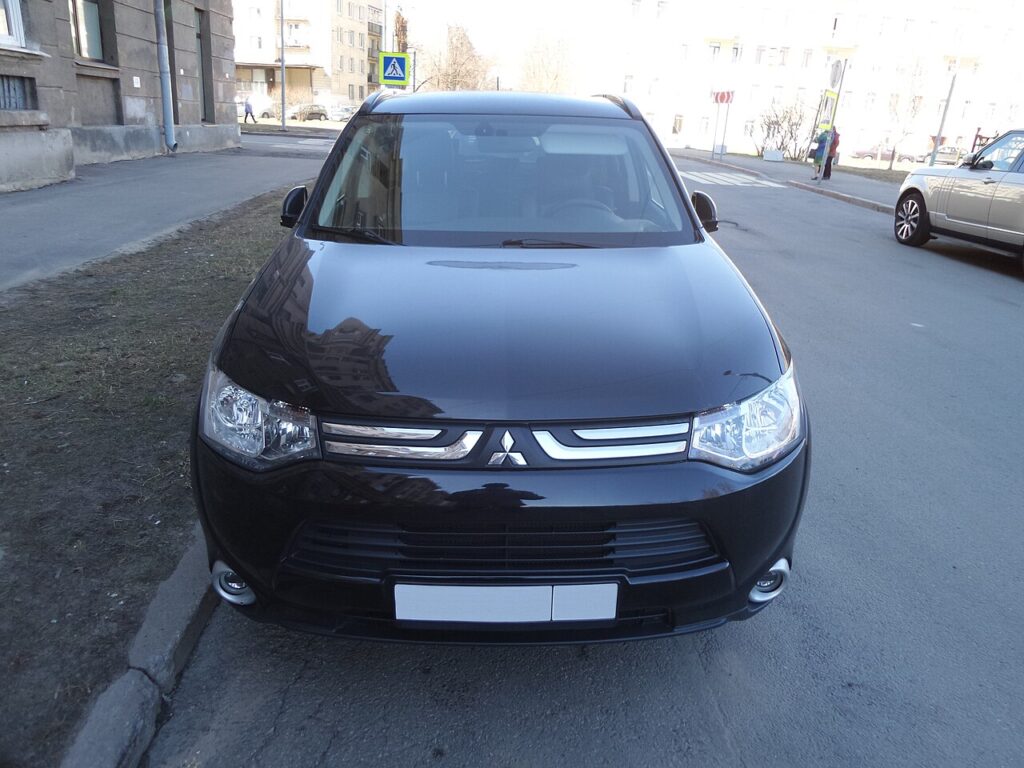
Putting the Outlander Mk3 EPB into maintenance mode
Maintenance mode releases the rear EPB motors fully so the pistons compress straight in. Set it before stripping the caliper. Park level, chock the front wheels, selector in P, and keep a charger on the 12V battery.
Owner method (no scan tool):
- Ignition ON, engine not started, selector in P.
- Operate the EPB switch to apply and release the parking brake, alternating, 10 times.
- Operate the switch once more to release the parking brake.
- Press the Brake Auto Hold switch 10 or more times.
- Perform the release operation of the EPB switch once. The red brake warning lamp and the EPB indicator should blink, confirming maintenance mode is active and the motors have released.
MUT-III method: connect MUT-III to the diagnosis connector, move the selector to P, turn the ignition ON (do not start), and select the maintenance-mode routine. The red brake lamp and EPB indicator blink when the system enters the mode.
With the EPB released, push each rear piston straight back with a spreader. The Outlander rear piston presses in — do not rotate it.
Critical warning: never force the pistons by hand
Do not lever, clamp or hammer a rear piston back while the EPB is still applied. The motor and gear spindle sit behind the piston; forcing it against a clamped actuator strips the gears or shears the spindle — a new caliper, not a repair. Always release the EPB electronically via maintenance mode first. And never operate the EPB switch with a caliper unbolted but still plugged in, or the motor will run to full travel and damage the piston.
Exiting maintenance mode and bedding in
With new pads in and the wheels on, exit maintenance mode: operate the EPB switch to apply the parking brake (or end the routine on MUT-III). The motors re-clamp and run their auto-adjust; the blinking lamps go out. Cycle the EPB on and off twice while stationary, then drive at low speed and brake gently 10–15 times to seat the pads, avoiding hard stops for the first 150–200 miles.
Frequently Asked Questions
Does my Outlander Mk3 actually have an EPB? Only the PHEV and the post-2016 facelift higher trims do — look for the EPB toggle switch on the console. Early petrol/diesel cars with a foot-pedal or lever parking brake are not covered by this procedure; you compress those pistons conventionally.
Do I need MUT-III to change the rear pads? No. The manual switch-and-pedal sequence puts the system into maintenance mode without a scan tool. MUT-III is the alternative and is handy if the manual sequence won’t take.
How do I know maintenance mode engaged? The red brake warning lamp and the EPB indicator lamp blink. If they don’t, the sequence timing or count was off — release the brake and repeat carefully.
Do the rear pistons screw in? No. Once the EPB releases, the piston presses straight in. Do not rotate it.
Why does the dash say “Service Required” for the EPB after the job? Usually the switch was operated at the wrong point or the 12V battery dipped. Read the stored fault, then re-run maintenance-mode exit with a charger connected.
If a brake or EPB warning lamp stays on after the job, read the stored fault first — you can look up Mitsubishi EPB and ABS codes on autodtcs.com before assuming the caliper is at fault.
Independent guide — not affiliated with Mitsubishi. Always follow your official service manual and safety precautions. Read our full disclaimer.