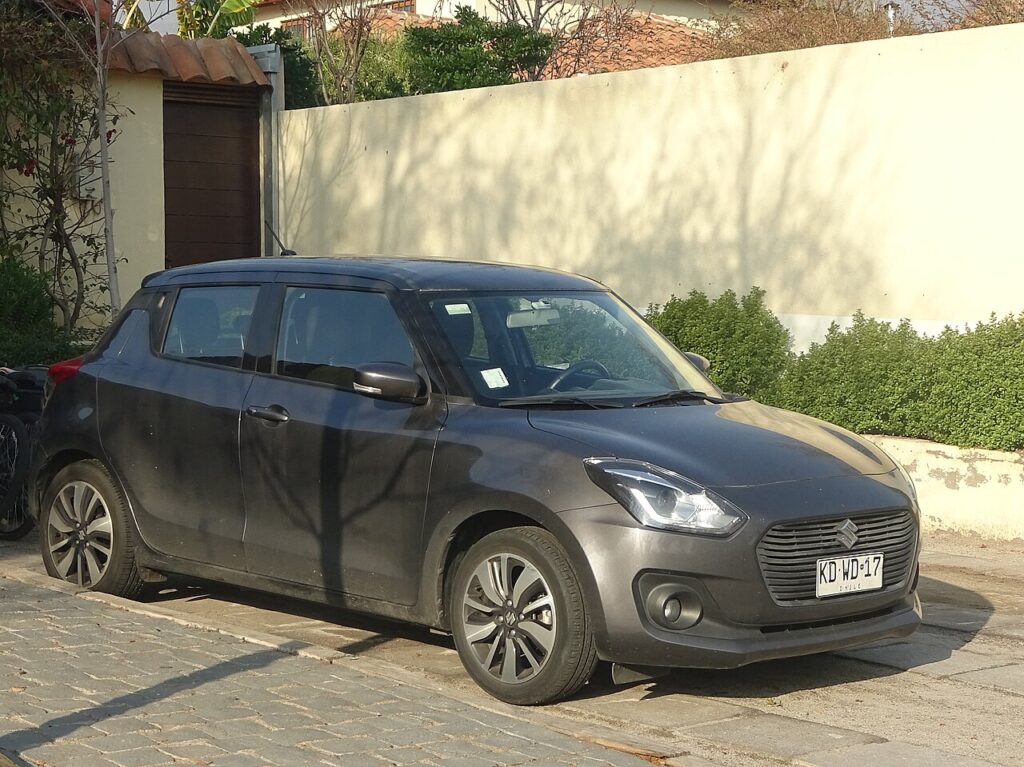
These instructions apply to the Suzuki Swift Mk4 (A2L) 2017-Present.
For other models, please choose your vehicle here.
If the gear lever on your automatic Suzuki Swift Mk4 (A2L, 2017–present) (CVT) won’t come out of P — typically with a flat battery or a shift-interlock fault — there’s a built-in emergency shift-lock release so you can move the car. It’s a cabin-only override; no high-voltage or under-car work is involved. This is a designed-in feature, not a bodge, and it exists precisely so you can free the car when the normal electronic release has no power.
How the Shift Lock Works
On an automatic, a shift-interlock stops the lever leaving P unless the ignition is on and your foot is on the brake. That’s a safety feature — it prevents the car being knocked into gear accidentally. The catch is that the interlock is electric, so if the 12 V battery is flat there’s no power to release it and the lever stays locked in Park. The emergency release is a small mechanical override that lets you free the lever by hand so the car can be moved onto a recovery truck or off a driveway.
Because you’re defeating the interlock, the car can roll the instant the lever leaves P — there’s no gear holding it any more. That’s why securing the car comes first, before you touch the release.
Before You Begin
Apply the parking brake or chock the wheels first. Releasing the lock lets the car roll, so secure it before you touch anything.
- Park on level ground if you have any choice, and keep the wheels straight.
- Have the key/fob with you in the cabin so the ignition will switch on.
- Keep a small flat screwdriver to hand — it’s the only tool needed.
- Make sure no one is standing in front of or behind the car before you release the lever.
How to Release the Lever from P
- Apply the parking brake and turn the engine off.
- Switch the ignition on without pressing the brake pedal:
- Push-button start: press the start/stop button once (don’t touch the brake).
- Key start: turn the key to position ‘1’.
- Prise off the small cover by the gear lever with a flat screwdriver.
- Press and hold the shift-lock release in the opening, hold the lever’s normal shift button, and move the lever out of P.
- Remove the screwdriver and refit the cover.
On right-hand-drive cars the release button sits slightly differently but works the same way — hold it while moving the lever.
If It Won’t Release
If the lever still won’t move, check the ignition is actually on — with a flat battery it may not power up at all, in which case the interlock stays mechanically jammed and you’ll need a jump or a boost first. Make sure you’re pressing the shift-lock release and the lever’s own shift button together, not one then the other. Confirm you’ve lifted the correct cover next to the lever and can see the release inside. And check the parking brake isn’t masking the fact the car is on a slope — if it’s straining against the lever, easing the load can help it come free. If none of that works, it’s a recovery job rather than something to force.
Then What?
This only gets you mobile (for example to roll off a driveway or onto a recovery truck). If the lever wouldn’t release because the battery is flat, sort the battery; if it happens with a healthy battery, have the shift interlock checked.
Frequently Asked Questions
My Swift automatic is stuck in Park — how do I move it?
Apply the parking brake, switch the ignition on without the brake pedal, pop the cover by the lever and hold the shift-lock release while moving the lever out of P. Secure the car first, as it can roll the moment the lever leaves Park.
Is this safe to do myself?
Yes — it’s a cabin override with no electrical risk. Just secure the car first, as it can roll once released. There’s no high-voltage or under-car work, only lifting a small trim cover next to the lever.
Why did the lever lock in P?
Usually a flat 12 V battery (no power to the interlock) or an interlock fault. The interlock needs power to release, so anything that starves it — a dead battery most often — leaves the lever stuck in Park.
Do I need a tool?
Only a small flat screwdriver to lift the cover. Nothing else is required, and you don’t go anywhere near the engine bay or underneath the car.
Will using the release damage anything?
No — it’s a built-in emergency function meant for exactly this. Just work gently when prising the cover so you don’t mark the trim, and refit it afterwards.
Do I still need to fix the underlying cause?
Yes. The release only gets you moving once. If the battery was flat, charge or replace it; if it happened with a good battery, get the shift interlock checked so you’re not stranded again.
If the lever locked because of a dead battery, see our Swift battery guide. For a stored fault code, look it up on autodtcs.com.
Independent guide — not affiliated with Suzuki. Always follow your official service manual and safety precautions. Read our full disclaimer.