These instructions apply to the Alfa Romeo Stelvio Mk1 (949) 2017-Present.
For other models, please choose your vehicle here.
If the tyre-pressure warning has appeared in your Alfa Romeo Stelvio (2017–present) after you’ve adjusted the pressures or changed a wheel, you just need to let the system relearn the new pressures — which the Stelvio does by driving. It is a routine step, not a sign that anything has failed: the car simply compares what it now reads against the reference it last stored, and until you set that reference the amber light stays on. Here’s how.
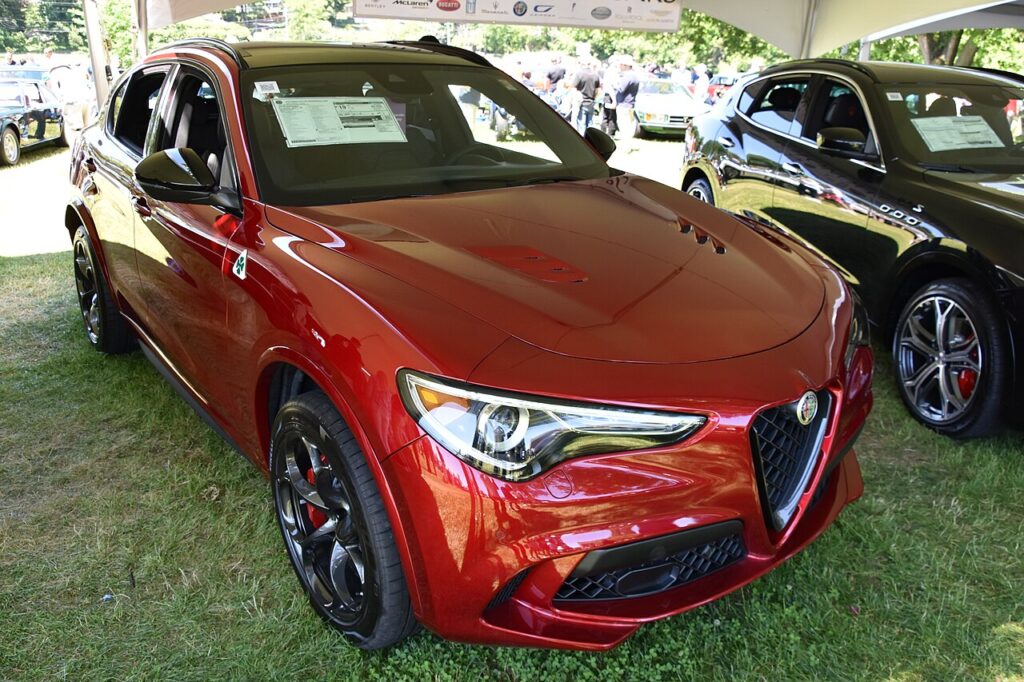
How It Works on the Stelvio
The Stelvio uses a direct system: each wheel carries a small sensor that measures the actual pressure inside the tyre and reports it by radio to the car. Because it reads real pressures rather than estimating from wheel speed, it can flag a single soft corner accurately — but it also means the warning will keep showing until every tyre is at, or above, the target you have stored. A slow leak, a cold overnight drop, or a fresh set of pressures all leave the system waiting for you to confirm the new baseline by driving.
Before You Start
- Check pressures when the tyres are cold — before driving, or at least a couple of hours after, so the reading is not inflated by heat.
- Use the figure on the driver’s door-pillar placard, and match it to your load (some cars list a higher ‘fully laden’ value).
- Set all four corners, and check the spare if yours carries a full-size one with its own sensor.
- Have a reliable gauge to hand — forecourt airlines are often out by a few psi.
When to Reset
- After checking or adjusting the tyre pressures.
- After changing one or more wheels or tyres, or fitting winter wheels.
Resetting the System
- Set all four tyres to the correct cold pressures (placard in the driver’s door shut) — the system stores whatever is set.
- Drive the Stelvio for about 20 minutes at a steady speed above 25 km/h (around 15 mph).
- The new pressures are stored and the warning goes out.
If you fit new tyre-pressure sensors, those need calibrating with a diagnostic tool — but a normal reset after adjusting pressures is just the drive above.
If the Warning Stays On
- Recheck every tyre — one below spec keeps the warning on and blocks the relearn.
- Drive a little further above 25 km/h to let it settle; short, stop-start trips may not give it enough continuous running.
- A cold morning can drop pressures below the threshold overnight — top up and re-check when cold.
- After a wheel swap (summer to winter), the light may return until the car has read the sensors on the fitted set for a few minutes.
- A slow puncture will let the light come straight back after a reset — recheck that corner a day later.
- Fitted a space-saver spare? It normally has no sensor, so the light will show while it is on the car; that is expected.
- Still lit with correct pressures? A sensor may have a flat battery or fault — look up the code on autodtcs.com.
What to Expect After
Once the relearn completes, the amber tyre symbol goes out and stays off for the rest of the journey and future trips, as long as the pressures hold. There is no need to repeat the drive unless you adjust pressures again or change a wheel. If the light returns days later with no obvious reason, treat it as a genuine prompt to check the tyres rather than a glitch — the system is usually reacting to a real, gradual loss of pressure.
Frequently Asked Questions
How do I reset the tyre pressure warning on an Alfa Stelvio?
Set all four tyres to the correct cold pressures from the door-pillar placard, then drive for about 20 minutes at a steady speed above 25 km/h (roughly 15 mph). The system relearns the new pressures as you drive and the warning clears on its own — there is no menu step for a routine reset.
Is there a reset button?
For a normal reset the Stelvio relearns by driving once the pressures are correct, so there is no button to press. Only if new tyre-pressure sensors are fitted does the system need calibrating, and that is a workshop job with a diagnostic tool rather than anything you do from the cabin.
Why won’t the warning clear?
Most often a tyre is still below the target figure, or the car has not had enough steady driving above 25 km/h to complete the relearn. Re-check all four corners cold, top up any that are low, and drive a little longer. If it persists with confirmed-correct pressures, suspect a sensor with a weak battery.
Do I need a tool?
No, not for a routine reset. Adjusting pressures and driving is all it takes. A tool is only needed when a sensor itself is replaced — a new sensor must be registered and calibrated to the car before the system will accept its readings.
Does the light mean one tyre or all of them?
The direct system reads each wheel individually, so a single soft corner is enough to trigger the warning. Walk round and check all four rather than assuming they are all low — on the driver information display you can usually see which corner is reading short.
Will the light come on in cold weather?
Yes. Air contracts as it cools, so a cold snap can drop pressures by a few psi overnight and trip the warning even though nothing is leaking. Top the tyres back up to the placard figure while they are cold, then drive to let the system relearn, and it should clear.

If the warning came on together with other dashboard lights, it is worth decoding any stored fault code — you can look it up on autodtcs.com.
Independent guide — not affiliated with Alfa Romeo. Always follow your official service manual and safety precautions. Read our full disclaimer.