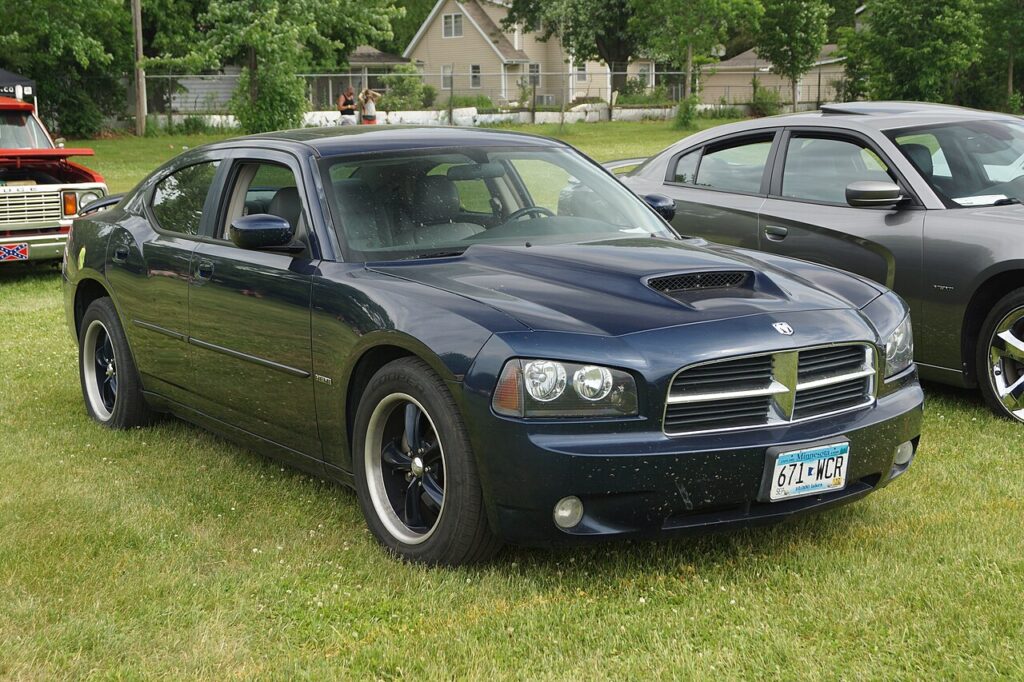
These instructions apply to the Dodge Charger Mk6 (LX) 2006-2010.
For other models, please choose your vehicle here.
Regular oil changes keep your Dodge Charger LX (2006–2010) running smoothly and extend engine life. This guide explains how to perform a DIY oil change, the correct oil type and capacity, and how to reset the oil change reminder on the instrument cluster.
Oil Specifications
- Oil type: SAE 5W-20 for the 2.7L V6 and 5.7L V8, or SAE 10W-30 for the 3.5L V6 (Mopar or equivalent API-certified oil)
- Oil filter: Mopar OEM or high-quality equivalent
- Capacity with filter: approx. 5.7 L (6.0 qt) for V6 / 6.6 L (7.0 qt) for V8 engines
Tools & Supplies
- Socket set and oil filter wrench
- Drain pan (8 L or larger)
- Funnel
- Jack and axle stands or ramps
- New drain plug washer (recommended)
- Shop rags and gloves
Step 1: Draining the Oil
- Warm the engine for 2–3 minutes to thin the oil, then shut it off.
- Raise the front of the vehicle and support with axle stands.
- Place the drain pan under the oil pan drain plug.
- Remove the plug with a socket and let the oil fully drain.
- Replace the plug with a new washer and torque to spec (typically ~25–30 Nm).
Step 2: Replacing the Filter
- Locate the oil filter (mounted on the engine block).
- Remove the old filter with a wrench — expect some oil spillage.
- Lightly oil the gasket of the new filter and spin on by hand until snug, then tighten an additional ¾ turn.
Step 3: Refilling with Oil
- Remove the oil filler cap on top of the engine.
- Insert a funnel and add the specified quantity of fresh oil.
- Replace the filler cap and start the engine for 30 seconds, checking for leaks.
- Switch off and check the dipstick — top up if necessary.
Step 4: Resetting the Oil Change Reminder
- Switch the ignition to the ON position without starting the engine.
- Press the trip odometer button until “Oil Life” or “Change Oil” is displayed.
- Press and hold the button until the display resets to 100% or the message clears.
- Switch ignition OFF and confirm the reminder is gone at next start.
Maintenance Notes
- Change engine oil every 6,000 miles (10,000 km) or 6 months, whichever comes first.
- Check oil level monthly or before long trips.
- Dispose of used oil and filters responsibly at a recycling center.
- Fit the grade for your engine — the 2.7L V6 and 5.7L V8 use 5W-20 while the 3.5L V6 uses 10W-30. Using the correct 5W-20 is important for proper MDS (Multi-Displacement System) operation on the 5.7L V8.
Disclaimer: This guide is for general information. Always follow manufacturer service recommendations and safety instructions. Perform repairs at your own risk.
Chrysler LX platform. The 300, Charger and Magnum share the same underpinnings, so this system works the same way across them. Owners of the sibling models will find the matching guides here: Chrysler 300 · Dodge Magnum.
Independent guide — not affiliated with Dodge. Always follow your official service manual and safety precautions. Read our full disclaimer.