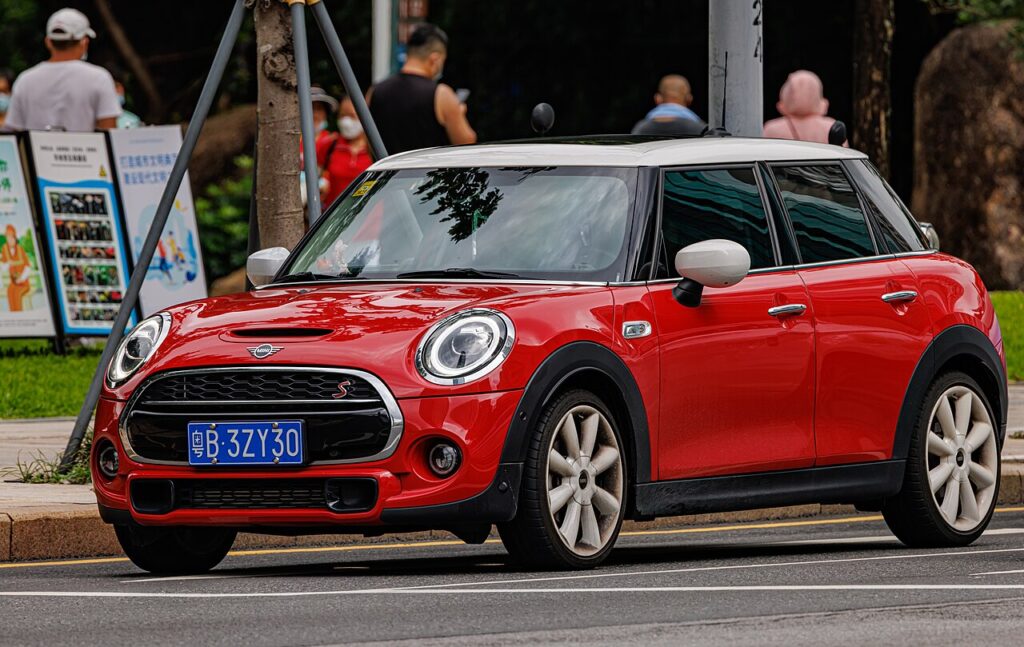
These instructions apply to the Mini Cooper Mk3 (F55/F56) 2013-2024.
For other models, please choose your vehicle here.
If the electric windows on your Mini (F55/F56, 2013–2024) have stopped going up with a single touch, and now only move while you hold the switch, the window controller has lost its calibration. It happens after the battery is disconnected or goes flat, after a fuse is pulled, or after a window motor or regulator is replaced. The fix is a quick re-initialisation you can do yourself in under a minute per window, with no tools.
Why One-Touch and Anti-Trap Disappear
Each door module needs to know exactly where the window’s fully-open and fully-closed positions are so it can run the glass automatically and stop it if it meets resistance (the anti-trap safety feature). When power is lost, the module clears those references as a precaution. Until you re-teach them, the window only inches while you hold the switch, and the one-touch will not work.
Getting Ready
- Sit in the car with the doors closed.
- Turn the ignition on — do not start the engine. The switches must be live.
- Make sure the battery is well charged — the Mini will not complete the relearn on a weak battery.
- Keep fingers and objects clear of the glass — during the relearn the anti-trap protection is not active.
How to Re-initialise a Mini F56 Window
The Mini teaches both end positions — fully open, then fully closed and held. Do this one window at a time:
- Turn the ignition on (engine off) and close all the doors.
- Press and hold the window open switch to fully open the window, then release.
- Pull and hold the close switch until the window is fully shut, and keep holding for about 15 seconds after it seats.
- Release the switch and check operation — the one-touch up should now work.
- Repeat for the other window.
The 15-second hold is important on the Mini — it is longer than most cars and the relearn will not “take” if you release early.
If the Window Still Won’t Auto-Close
- You didn’t hold long enough: the most common cause — keep the close switch held the full 15 seconds after the window seats.
- Weak battery: the relearn needs a healthy battery; charge it and try again.
- Glass binding: a dry or twisted runner stops the module seeing a clean end stop. Clean and lubricate the channel, then retry.
- Happened after a battery job: that is expected — the window relearn is one of the steps in our Mini F56 battery disconnect/reconnect guide.
- No window will calibrate: if the motor strains or is silent, the regulator, motor or switch may have failed and a body-control fault may be stored — check the code on autodtcs.com.
Frequently Asked Questions
Do I need a diagnostic tool to reset the Mini windows?
No. The relearn is done entirely with the window switch as described. A scan tool is only needed if a genuine motor, regulator or switch fault is stored.
Why is the hold time so long on the Mini?
The F56 wants the close switch held for around 15 seconds after the window is shut to confirm the end stop. Releasing early is the usual reason the relearn fails.
Why did more than one window lose one-touch at once?
Because they lost power together — almost always after a flat or disconnected battery or a pulled fuse. Re-initialise each one and they all come back.
Is the anti-trap working while I re-teach the window?
No — that is why you must keep hands and objects clear of the glass during the relearn. Full protection returns once calibration is complete.
If you also need to clear a service reminder after the work, see our Mini F56 service indicator reset guide.
Independent guide — not affiliated with Mini. Always follow your official service manual and safety precautions. Read our full disclaimer.