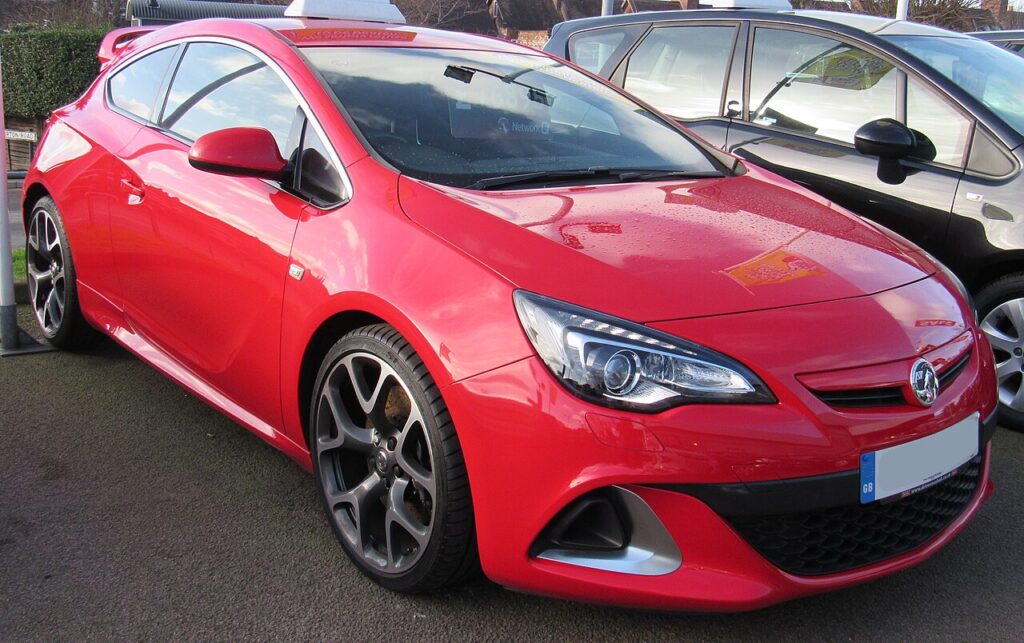
These instructions apply to the Vauxhall Astra Mk7 (K/B16) 2015-2021.
For other models, please choose your vehicle here.
You’ll need to disconnect the 12 V battery on a Vauxhall Astra K (Mk7, 2015–2021) — sold as the Opel Astra outside the UK — for a battery replacement, before bodywork or welding, to clear a stubborn electrical fault, or before the car is laid up for winter. It’s a straightforward engine-bay job with no high-voltage system to isolate, but the Astra K relies on a battery sensor and several “learned” settings, so how you reconnect and what you re-teach afterwards matters as much as the disconnection itself.
What You’ll Need and Before You Start
- A 10 mm spanner or socket for the terminal clamps (you may need a second size for the hold-down bracket if you’re lifting the battery out).
- Eye protection and gloves — a lead-acid battery holds acid and can vent gas.
- Optional but worthwhile: a 12 V memory saver plugged into the OBD port or the accessory socket. It keeps the modules alive while the main battery is off, so you keep the clock, presets, and the windows’ and sunroof’s learned positions.
- Work somewhere ventilated, keep sparks and flames away, and make sure the ignition is fully off before you touch a terminal.
Where the Battery Is
The 12 V battery sits in the engine bay on the left-hand side, under a plastic cover. Every Astra K — the 1.0, 1.4 and 1.6 petrols and the 1.6 CDTi diesel — keeps the battery here; there is no hybrid high-voltage pack to worry about. Note the battery current sensor clamped to the negative lead: when you change a battery, move that sensor across to the new battery’s negative post, because the car uses it to manage charging and the Start/Stop system.
Disconnecting the Battery
- Switch the ignition off, take the key/fob out of range, and wait at least a minute for the modules to power down.
- Lift off the battery cover.
- Slacken and disconnect the negative (−) terminal first. Tuck the lead well aside so it can’t spring back onto the post.
- Only if you’re removing the battery: disconnect the positive (+) terminal next, then undo the hold-down clamp at the base and lift the battery out — it’s heavy, so lift with your legs.
Which Battery the Astra K Takes
Almost every Astra K was built with Start/Stop, so it needs an enhanced battery — usually an EFB (Enhanced Flooded Battery), with some variants specifying AGM (Absorbent Glass Mat). Match the replacement to the original type and capacity. A plain flooded battery fitted in place of an EFB/AGM will work for a while but wears out quickly under the constant engine-off/on cycling, and you may find Start/Stop quits altogether. The original’s type and rating are printed on its top label — photograph it before you lift the old one out.
Reconnecting the Battery
- Refit the battery (if it was removed) and tighten the hold-down clamp so it can’t move.
- Reconnect the positive (+) terminal first, then the negative (−) terminal last. Make both clamps properly tight — a loose terminal causes random electrical faults and no-starts.
- Switch the ignition on but don’t crank the engine yet; give the modules a few seconds to wake up.
What to Re-initialise After Reconnecting
Cutting the power clears several of the Astra K’s learned settings. None of it is hard, but skipping these steps is why a car can feel “not right” after a battery job. Work through whichever apply to yours:
- One-touch electric windows — they lose auto-up/down and anti-pinch until re-taught. Follow our Astra K window re-initialisation (about 30 seconds per window).
- Sunroof (if fitted) — the tilt/slide one-touch and anti-trap need re-learning too; see re-initialise the Astra K sunroof.
- Clock and date — reset them in the infotainment settings; the radio stations reload on their own.
- Infotainment — if the screen comes back glitchy or frozen after the power cut, our Astra K infotainment reset clears it.
- Start/Stop — it often stays inhibited for the first drive or two while the battery sensor relearns the state of charge, then returns by itself once the battery is charged. (If you’d rather it stayed off, see disable Start/Stop on the Astra K.)
- Driver assistance / steering angle — a brief traction-control or lane-assist warning can appear; drive a short distance with a couple of gentle full-lock turns and it normally self-calibrates and clears.
- Service reminder — a power cut can occasionally upset the service-interval counter. If yours now reads oddly, our Astra K service indicator reset puts it right.
- Tyre-pressure monitor — if the TPMS light comes on after reconnection, reset it with our Astra K TPMS reset.
A like-for-like battery does not need dealer coding or “registration” on the Astra K — unlike some German cars, GM’s system relearns the new battery automatically over a few drives. Coding is only worth a thought if you change the battery’s type or capacity.
Troubleshooting
- Car won’t start after reconnection. Almost always a loose terminal — re-check both clamps are fully tight.
- Several warning lights on afterwards. Airbag, ABS or traction lights often appear briefly after a power cut and clear after a short drive. If any stay lit, read the stored code — our sister site autodtcs.com explains what each one means.
- Start/Stop not working. Normal for the first few drives while the battery charges and the sensor relearns; if it never returns, suspect a tired or wrong-type battery.
Frequently Asked Questions
Which terminal do I disconnect first on the Astra K?
The negative (−) terminal first, and reconnect it last. That avoids shorting the positive to the bodywork with your spanner.
Does the Astra K battery need coding or registration?
No — a like-for-like EFB/AGM battery is recognised automatically and the battery-management system relearns it over a few drives. Registration is only a consideration if you change the battery’s type or capacity.
Will I lose my radio or settings?
You’ll lose the clock and may need to re-teach the windows and sunroof, but the radio presets reload. A 12 V memory saver used during the job preserves everything.
What battery does a Vauxhall Astra K use?
A Start/Stop-specification battery — usually EFB, sometimes AGM. Match the type and capacity printed on the original’s label; don’t downgrade to a standard flooded battery.
Why has my Start/Stop stopped working since the battery change?
The battery sensor needs to relearn the state of charge and the battery itself needs to be fully charged. It usually returns within a drive or two; if it doesn’t, the battery may be the wrong type or below par.
Why won’t my windows auto-close now?
The power cut wiped their learned end-stops. Run the quick window re-initialisation linked above.
For any warning light that stays on after the job, look up the code on autodtcs.com.
Independent guide — not affiliated with Vauxhall. Always follow your official service manual and safety precautions. Read our full disclaimer.